 Garden
Affiliate Disclosure
Some links on this page are affiliate links. As an Amazon Associate, we earn from qualifying purchases — at no extra cost to you. We do not buy, test, or physically handle the products we cover; our rankings come from aggregated owner reviews, ratings and expert consensus. Commissions never change our verdicts. How we rank · full disclosure.
The verdict. Govee smart bulbs are the sensible way to put color smart lighting in every room without buying into a hub ecosystem, and their 4.6-star average reflects genuine satisfaction rather than novelty. Wi-Fi plus Bluetooth, no bridge, multipack pricing, and a color range that is fun rather than gimmicky. Buy them for lamps, accent lighting and kids’ rooms. Skip them if you have wall dimmers, want Apple Home, or need rock-solid scheduling across dozens of fixtures.

Best for filling a house with color smart bulbs cheaply, with no hub and no bridge
- Wi-Fi and Bluetooth — control on the network or directly from the phone
- RGBWW color plus tunable white, no hub required
- Music sync and a large library of preset scenes
- Works with Alexa and Google Assistant by voice
- Sold in multipacks that undercut hub-based systems by a wide margin
Why buy it: dual-band control means the bulb still responds over Bluetooth when the Wi-Fi or the internet is down, which is a real advantage over most cheap Wi-Fi-only bulbs.
What owners consistently praise
Price per bulb. Color smart bulbs used to mean a bridge and a serious per-bulb cost. A Govee multipack lights a whole apartment for what a couple of premium bulbs cost, and that is the reason most reviews start where they do. Owners who wanted to try smart lighting without a hundred-dollar commitment are the core happy audience.
No hub, and Bluetooth as a fallback. Setup is bulb, app, Wi-Fi, done — with no bridge plugged into the router. The dual-radio design is the quietly smart part: when the internet drops, a phone in the room can still control the bulb over Bluetooth, which is more than most budget bulbs manage.
Color quality and scenes. Owners rate the saturation and the range highly, and the scene library gets specific praise for holidays and for kids’ rooms. Music sync is a novelty for adults and, judging by the reviews, a lasting favorite for anyone under twelve.
Tunable white that people actually use. Beyond the color party trick, the daily use in the review record is warm white in the evening and cooler white in the morning, on a schedule. That is the feature owners say they would miss if the bulbs went away.

What owners actually complain about
The wall switch problem. Every smart bulb shares it and it causes the most household friction. Cut power at the switch and the bulb is gone from the app, gone from voice control and gone from its schedule. In a home where a guest, a child or a housemate flips switches out of habit, this is a daily irritation, and no firmware update fixes it.
Dimmer switch incompatibility. Installed on an existing wall dimmer, these bulbs flicker, buzz or fail to pair, and some die early. It is documented, it is true of the category, and it is a legitimate one-star experience for someone who did not know to check. Swapping the dimmer for a plain switch is the fix.
Low brightness in saturated colors. A deep red or blue produces a fraction of the white-mode output. Buyers expecting a room-filling glow in color are disappointed. Nothing is broken — it is how RGB LEDs work — but the packaging does not explain it.
App and account. The Govee app requires an account, promotes other Govee products, and owners describe it as busier and less polished than the premium alternatives. Firmware updates occasionally reset scenes or lose group assignments, which is a recurring three-star theme.
Wi-Fi load and 2.4 GHz pairing. Each bulb is a network client. Households with twenty bulbs plus cameras and plugs report router congestion, and merged-band mesh networks frequently need the 2.4 GHz SSID split temporarily to complete pairing. This single issue drives a large share of the setup complaints in the category.
Response lag and dropouts. Voice or app commands sometimes take a beat, and individual bulbs occasionally show offline until power-cycled. Compared with a Zigbee bulb on a dedicated bridge, the responsiveness is a step behind, and technically minded owners notice.
No Apple Home. There is no native HomeKit support on these bulbs. Apple households have to work around it or buy elsewhere, and this is the most common reason for a return.
Where to put them, and where not to
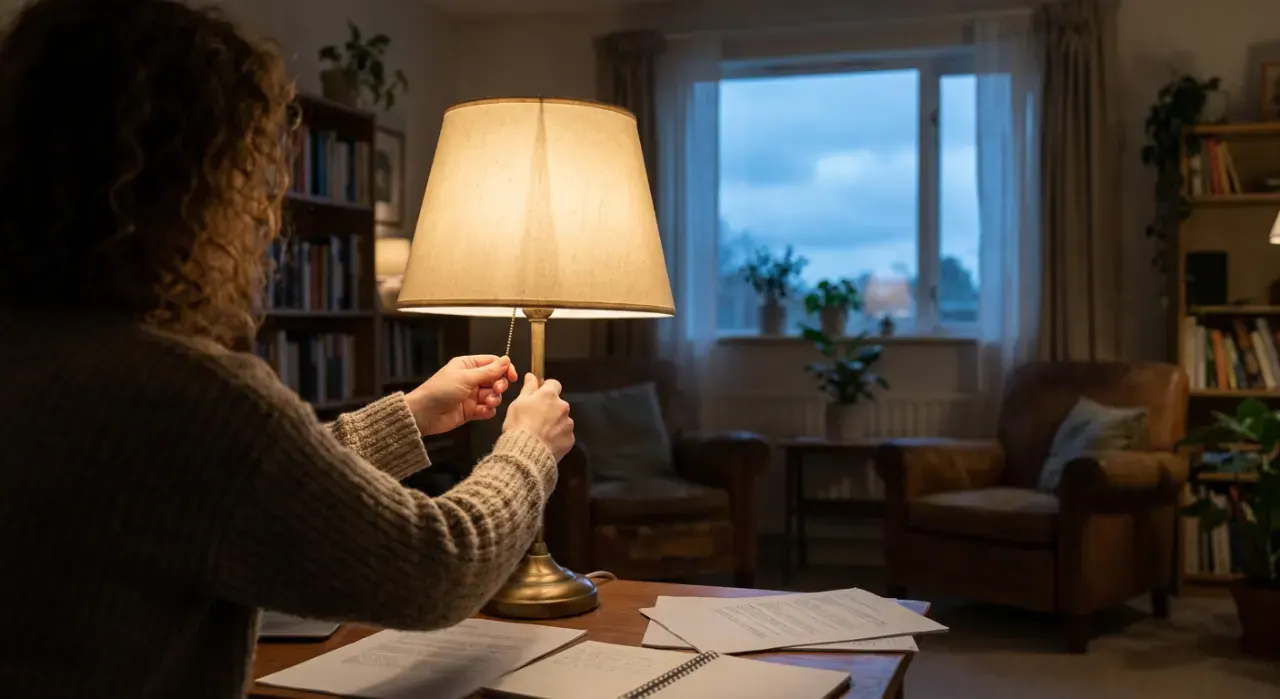
Smart bulbs belong in fixtures whose switch nobody touches. Table and floor lamps are the natural home, because the lamp switch stays on and everything happens in the app. Bedside lamps, accent lighting, a child’s room and a hallway on a schedule all work well. Where they fail is any ceiling fixture on a wall switch that people flip out of habit, any fixture on a dimmer, and fully enclosed fixtures where trapped heat shortens LED life — check the listing for enclosed-fixture suitability before you install one in a glass dome. The other place to think twice is a fixture with several bulbs, because you now have three or four network devices doing one job and they occasionally fall out of sync mid-scene, which looks worse than a single bulb doing the same thing.
Who it suits — and who should buy something else
Buy them if you want color and tunable white through a whole house on a budget, your fixtures are on plain on-off switches, and you are on Alexa or Google.
Buy something else if you are in Apple Home, or you want the most reliable large installation — Philips Hue on a bridge remains the consensus choice and is ranked in best smart bulbs. If your fixtures are on dimmers, or people in the house will keep using the wall switch, the architecture you want is a smart switch with ordinary bulbs: see best dimmer switches and whether LEDs need a special dimmer. And before committing a whole house, are smart bulbs worth it is worth five minutes.
Specifications
| Spec | Govee Smart Light Bulbs |
|---|---|
| Type | A19 color-changing LED, RGBWW |
| Connectivity | Wi-Fi 2.4 GHz plus Bluetooth, no hub |
| Colors | 16 million, plus tunable white |
| Voice assistants | Alexa, Google Assistant |
| Apple Home | No |
| Scenes | Large preset library, music sync |
| Dimming | In-app and by voice — not compatible with wall dimmers |
| Offline behavior | Bluetooth control still works; schedules do not |
| Sold as | Multipacks |
| Fixture note | Check enclosed-fixture suitability before installing |
How we reached this verdict
We never buy, install or physically handle the products on this site. This assessment is built from the aggregated owner-review record — star distribution, the specific content of critical reviews, and what owners report after a year and a few firmware updates — plus manufacturer specifications and expert consensus from established smart home publications. For smart bulbs we weight setup friction on real home networks, what happens when the internet or the wall switch cuts out, dimming behavior, and honest brightness in both white and color modes. Full method on how we rank.
More from this hub: Indoor Lighting · Best smart bulbs · Consciot LED desk lamp review · Do smart bulbs work without Wi-Fi · How we rank
Check price on Amazon → (paid link)