 Garden
Affiliate Disclosure
Some links on this page are affiliate links. As an Amazon Associate, we earn from qualifying purchases — at no extra cost to you. We do not buy, test, or physically handle the products we cover; our rankings come from aggregated owner reviews, ratings and expert consensus. Commissions never change our verdicts. How we rank · full disclosure.
The short version: after weighing six popular smart locks on entry methods, security grade, battery life, connectivity and what reviews written a year or two later actually say, our #1 pick is the eufy Security Smart Lock C220. Fingerprint, keypad, app, voice and a physical key, with the Wi-Fi radio already inside so there is no bridge to buy — at a price that undercuts the traditional lock brands by a wide margin.
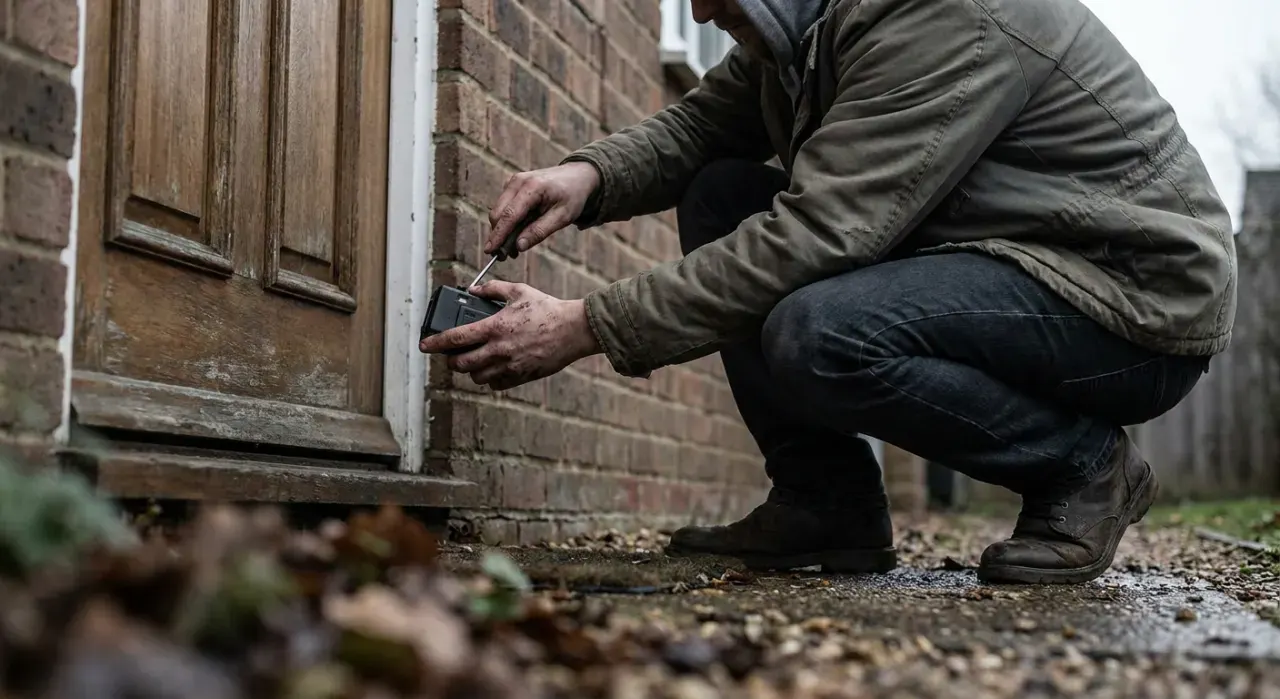
The most useful thing to settle before you shop is what happens to the outside of your door. A deadbolt-replacement lock puts a new keypad on the exterior and retires your old key. A retrofit like the August leaves the outside completely unchanged and keeps the key working. That single decision eliminates half the field for most people, and it is the question renters, HOA residents and anyone with matched hardware should answer first.
Top Picks at a Glance
Our #1 Pick: eufy Smart Lock C220
The C220 is a full deadbolt replacement with a fingerprint reader set into the exterior escutcheon, a numeric keypad, Wi-Fi built in, and a keyway for a physical key. In practice the fingerprint is what changes daily life: it wakes on touch and opens in well under a second, which is faster than digging for keys and considerably faster than waiting for a phone to connect. Owners consistently describe the switchover point as the week they stopped carrying a house key at all.
The built-in Wi-Fi matters more than the spec sheet suggests. Several competing locks at this price need a separate bridge plugged into an outlet near the door to do anything remote, which is an extra purchase, an extra device on the network and an extra thing to fail. The C220 handles remote locking, remote code creation and activity history without any of that, and it holds around eight months on a charge because the radio idles rather than streaming.
Consensus Score ████████░░ 8.8
The complaints are specific. The fingerprint reader is less consistent in cold weather and with wet or dry hands, which is true of every capacitive reader but shows up regularly in winter reviews. The exterior is plastic-heavy compared with the Schlage, and reviewers who care about the feel of hardware notice. BHMA Grade 3 is the lowest of the three residential grades — adequate, but not the reason to buy this lock. And the app pushes eufy’s wider ecosystem harder than some owners would like.
Check price on Amazon → (paid link)
Best Smart Locks 2026: The Ranked Field

Best for most front doors — fingerprint, code, app and a real key
- Fingerprint reader wakes and opens in under a second
- Built-in Wi-Fi — no separate bridge to buy
- Keypad, app, voice and physical key backup
- IP53 weather rating, roughly 8 months on a charge
Why buy it: four ways in — finger, code, phone and key — with the Wi-Fi radio already inside, at roughly half what the name-brand equivalents cost.

Best for a door that gets used hard, by a lot of people
- ANSI/BHMA Grade 1 — the highest residential security grade
- Built-in Wi-Fi, no hub or bridge
- Up to 100 access codes with schedules
- Works with Alexa, Google Home, Ring and Key by Amazon
Why buy it: the only common consumer smart lock built to Grade 1, which is a commercial-door standard — the pick when the lock itself has to be the strong part.
Best for keeping your existing keys, deadbolt and exterior hardware
- Mounts to the inside of your current deadbolt
- Outside of the door looks completely unchanged
- Built-in Wi-Fi; auto-lock and auto-unlock
- About 45% smaller than the previous generation
Why buy it: the only design here that leaves your existing key working and the outside of the door untouched — which is why it dominates in rentals and HOAs.

Best for unlocking with an iPhone or Apple Watch tap
- Apple Home Key — tap to unlock with iPhone or Watch
- Home Key works even with a dead phone battery for hours
- Built-in Wi-Fi plus Bluetooth
- ANSI/BHMA Grade 2, touchscreen keypad
Why buy it: tap-to-unlock with a Watch is the only smart lock interaction that consistently beats a key on speed, and Apple Home Key is the one that actually delivers it.
Best for a clean keyless door with no keyway to pick
- Fingerprint scanner plus a backlit touchscreen keypad
- Key-free design — no cylinder on the exterior
- Built-in Wi-Fi, works with Alexa and Google
- Emergency 9V terminal on the underside for dead batteries
Why buy it: no keyway at all removes the attack surface every lockpicking video is about, and the 9V contact means a dead battery is a two-minute problem, not a locksmith.

Best for a second door, a rental or a first smart lock
- Fingerprint, keypad, app, key and Bluetooth entry
- Built-in Wi-Fi with no bridge
- IP65 weatherproof — better rated than most
- BHMA certified, AA batteries
Why buy it: nearly everything the C220 does at a lower price and a better weather rating — the sensible pick for a back door or a first try at going keyless.
Quick Comparison
| Product | Best for | Rating | Price | Buy |
|---|---|---|---|---|
| eufy Security Smart Lock C220 Fingerprint Wi-Fi Deadbolt | Best Overall | — | Check (paid link) | |
| Schlage Encode Smart Wi-Fi Deadbolt with Touchscreen Keypad, Satin Nickel | Best Build Quality | — | Check (paid link) | |
| August Wi-Fi Smart Lock (4th Generation) | Best Retrofit | — | Check (paid link) | |
| Schlage Encode Plus Smart Wi-Fi Deadbolt with Apple Home Key, Satin Nickel | Best for Apple Homes | — | Check (paid link) | |
| Yale Assure Lock 2 Touch with Fingerprint and Wi-Fi, Satin Nickel | Best Key-Free | — | Check (paid link) | |
| eufy Security Smart Lock S231 Fingerprint Wi-Fi Deadbolt | Best Value | — | Check (paid link) |
Spec Comparison
| Lock | Type | Entry methods | Connectivity | Security grade |
|---|---|---|---|---|
| eufy C220 | Deadbolt replacement | Finger, code, app, key | Wi-Fi + Bluetooth built in | BHMA Grade 3 |
| Schlage Encode | Deadbolt replacement | Code, app, key | Wi-Fi built in | ANSI/BHMA Grade 1 |
| August Wi-Fi 4th Gen | Interior retrofit | App, auto-unlock, your existing key | Wi-Fi + Bluetooth built in | Uses your existing deadbolt |
| Schlage Encode Plus | Deadbolt replacement | Apple Home Key, code, app, key | Wi-Fi + Bluetooth + Home Key | ANSI/BHMA Grade 2 |
| Yale Assure Lock 2 Touch | Deadbolt replacement | Finger, code, app — no keyway | Wi-Fi built in | ANSI/BHMA Grade 2 |
| eufy S231 | Deadbolt replacement | Finger, code, app, key, Bluetooth | Wi-Fi built in | BHMA certified, IP65 |
How We Rank
We never buy, install or physically handle the products on this site, and we say so on every ranking page. These rankings come from aggregated owner reviews, star ratings, review volume, manufacturer specifications and expert consensus from established security and smart home publications. For smart locks we weight four things: reliability (motor failures, missed unlocks and dropped Wi-Fi are what turn a four-star review into a one-star one), battery behavior including how much warning you get and what the fallback is, security grade and lockout paths — ANSI/BHMA rating, keyway or keyless, and what happens on a dead battery — and real ease of daily use, which in practice means keypads and fingerprints rather than apps. Full method on how we rank.
The Locks, Reviewed
1. eufy Smart Lock C220 — Best Overall
Covered above. What owners like: a fast fingerprint reader, Wi-Fi with no bridge, long battery life, a physical key backup, and a price well below the traditional lock brands. What they complain about: fingerprint reliability in cold or with wet hands, a plastic-feeling exterior, Grade 3 rating, and an app that pushes the wider ecosystem. Check price (paid link).
2. Schlage Encode — Best Build Quality
Schlage is a lock company that added electronics rather than an electronics company that added a bolt, and the Encode is the clearest expression of that. It is certified ANSI/BHMA Grade 1, a rating normally reserved for commercial doors and vanishingly rare in consumer smart locks. The touchscreen keypad handles up to 100 codes with schedules, which is why it turns up so often in rental and short-let reviews, and Wi-Fi is built in.
Consensus Score █████████░ 9.0
Recurring complaints: battery life is the most common gripe — the Wi-Fi radio is hungrier than competitors and reviewers commonly report three to six months rather than a year. There is no fingerprint reader. It is bulky on the interior side. And it is one of the more expensive locks here without offering more entry methods for the money.
3. August Wi-Fi Smart Lock (4th Gen) — Best Retrofit
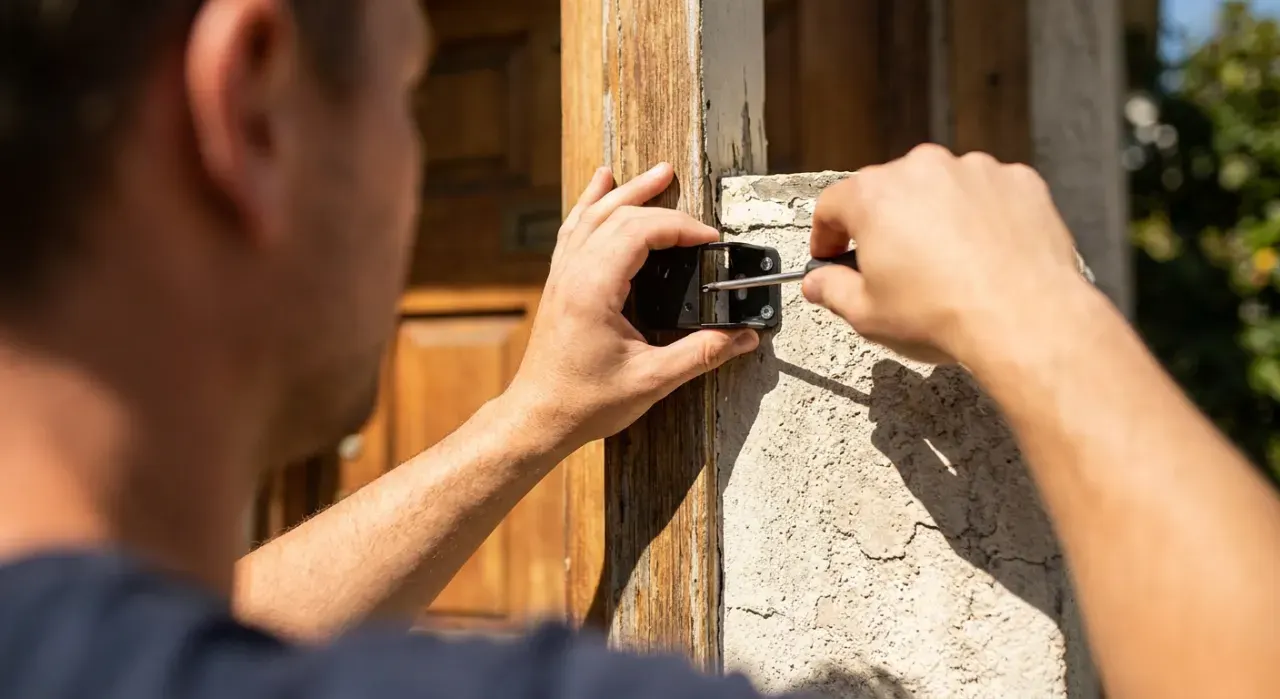
The August is a different product category wearing the same label. It bolts onto the inside of the deadbolt you already have and turns the thumb-turn for you. The exterior of the door does not change at all, which means your existing key still works, your existing hardware finish still matches, and a landlord or HOA has nothing to object to. The fourth generation is substantially smaller than the previous one and has Wi-Fi built in rather than needing the old Connect bridge.
Consensus Score ████████░░ 8.5
Recurring complaints: there is no keypad on the exterior unless you buy the separate August keypad, so guests need the app or a key. Auto-unlock via geofencing is the most-praised and most-criticized feature simultaneously — when it works it is magic, and when it does not it is a phone standing on the doorstep. It also depends entirely on your existing deadbolt being well-aligned; a sticky bolt will defeat the motor.
4. Schlage Encode Plus — Best for Apple Homes
The Encode Plus adds Apple Home Key to the Encode formula, which means an iPhone or Apple Watch held near the lock opens it — no app, no unlock, no waiting. It also keeps working for a few hours after the phone’s battery dies, because Home Key uses a reserve power mode. For an Apple household this is the fastest and least fussy smart lock interaction available.
Consensus Score ████████░░ 8.4
Recurring complaints: it is expensive, and the premium buys convenience rather than security — it drops to Grade 2 from the standard Encode’s Grade 1. Home Key is Apple-only, so a mixed household gets an uneven experience. Battery life draws the same complaints as the standard Encode. And a handful of owners report needing a firmware update before Home Key enrolled correctly.
5. Yale Assure Lock 2 Touch — Best Key-Free
No keyway at all on the exterior — just a fingerprint reader and a backlit touchscreen. Removing the cylinder removes the target of every lockpicking demonstration on the internet, and it also removes the possibility of a key being copied at a hardware store. The reassurance for the obvious objection is a pair of contacts under the exterior housing: hold a 9V battery against them and the keypad powers up long enough to let you in.
Consensus Score ████████░░ 8.3
Recurring complaints: keyless makes some people genuinely uncomfortable and the reviews reflect that. The lock is physically large on both sides of the door. The Yale app draws more criticism than Schlage’s. And several owners report that the fingerprint reader needs re-enrolling after a firmware update, which is exactly the sort of thing you do not want a lock to do.
6. eufy Smart Lock S231 — Best Value
Effectively the value sibling of our top pick, with fingerprint, keypad, app, Bluetooth and key entry, Wi-Fi built in, and an IP65 weather rating that is actually better than the C220’s IP53 — worth noting on an exposed door with no porch.
Consensus Score ████████░░ 8.6
Recurring complaints: it runs on AA batteries rather than a rechargeable pack, so you are buying batteries once or twice a year. The keypad is a physical button pad rather than a touchscreen, which some find cheaper-feeling and others prefer in gloves. And as with all eufy locks, the security grade is the least impressive number on the spec sheet.
What Owners Actually Complain About
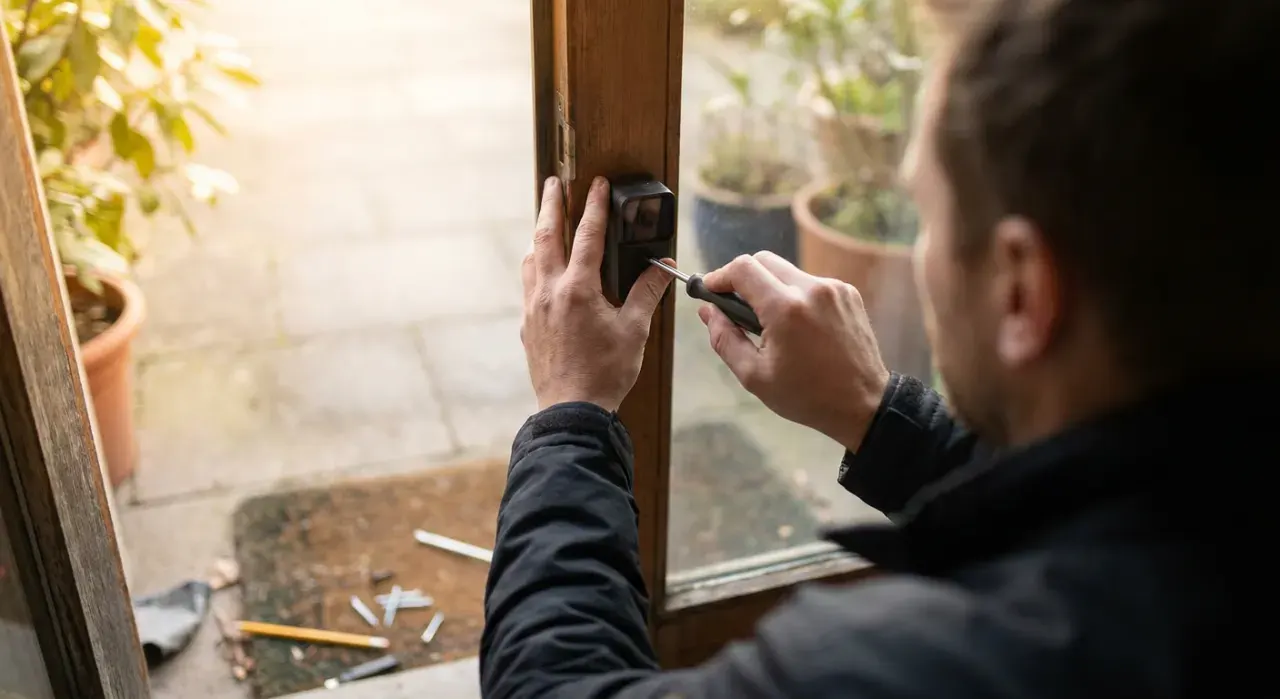
Read enough smart lock reviews and five gripes account for most of the low ratings. Battery drain is first, and it correlates strongly with Wi-Fi-in-the-lock designs — the convenience of no bridge costs power. Door alignment is second and it is the most misdiagnosed: a motorized bolt cannot force a strike plate that a human wrist has been quietly forcing for years, so the lock gets blamed for a door problem. App and connectivity flakiness is third, usually a weak Wi-Fi signal at the front door rather than a defective lock. Fingerprint failures in cold and wet are fourth, and affect every capacitive reader. And size is fifth — smart locks are visibly bulkier than the deadbolt they replace, particularly on the inside, and several report interference with storm doors and door chains.
How to Choose a Smart Lock
Answer three questions in order. Can you change the outside of the door? If not — rental, HOA, matched hardware — buy the August retrofit and stop there. Who needs to get in? If the answer includes anyone without a smartphone, you need a keypad; if it includes you with full hands twice a day, you want a fingerprint. What is your ecosystem? Apple households get a genuinely better experience from Home Key; Alexa and Google households are well served by all of these.
Then check the boring specs before ordering: door thickness and backset against the lock’s stated range, whether the deadbolt currently throws smoothly without lifting the door, and Wi-Fi signal strength at the front door. Fix a binding strike plate before installation, not after. Once it's on the door, change the default code and turn on two-factor authentication on the account — the FTC recommends both as baseline defenses for any connected device. For a broader reference point, NIST publishes a recommended cybersecurity baseline for consumer IoT products, locks included. A smart lock pairs naturally with a video doorbell so you can see who is asking to come in, and it is the second thing most people add after a DIY security system.
The Verdict
For most front doors the eufy Smart Lock C220 is the one to buy — fingerprint, keypad, app and key, Wi-Fi with no bridge, and a price that leaves room for a doorbell too. Choose the Schlage Encode if you want Grade 1 hardware and a lock company’s engineering, the August 4th Gen if the door has to look unchanged and the old keys must keep working, the Encode Plus for an Apple household, and the Yale Assure Lock 2 Touch if you want no keyway at all. Check price on Amazon → (paid link)
More from this hub: Smart Home & Security · Best home security cameras · Best DIY security systems · Are smart locks safe? · How we rank