 Garden

Affiliate Disclosure
Some links on this page are affiliate links. As an Amazon Associate, we earn from qualifying purchases — at no extra cost to you. We do not buy, test, or physically handle the products we cover; our rankings come from aggregated owner reviews, ratings and expert consensus. Commissions never change our verdicts. How we rank · full disclosure.
Yes — plenty of cameras work with no monthly fee at all, provided you buy for local storage. Cameras that record to a microSD card, to a base station with built-in storage, or to a network video recorder need no plan for their core function. What a subscription normally buys is cloud video history, AI event filtering, longer retention and in some cases professional monitoring. As of July 2026 the free tiers vary widely between manufacturers, so the specification to check before you buy is whether the camera records locally and whether person detection runs on the device.
What do cameras include without a plan?
Free tiers change, and they have changed in both directions over the last few years, so treat this as a checklist for the product page rather than a permanent fact. Verify current terms with the manufacturer before purchase.
| Capability | Usually free | Usually needs a plan |
|---|---|---|
| Live view on your phone | Yes | — |
| Motion notifications | Yes | — |
| Two-way talk | Yes | — |
| Recording to microSD or a base station | Yes, where the hardware supports it | — |
| Cloud video history | Sometimes a few hours of event clips | Yes, for 14–60 day retention |
| Person, vehicle and package detection | Yes, if processed on the device | Yes, if processed in the cloud |
| Searchable event timeline | Limited | Yes |
| Rich notifications with a thumbnail | Sometimes | Often |
| Professional monitoring and emergency dispatch | No | Yes |
| Extended warranty or theft replacement | No | Often bundled |
How do you set up a camera with no fee?
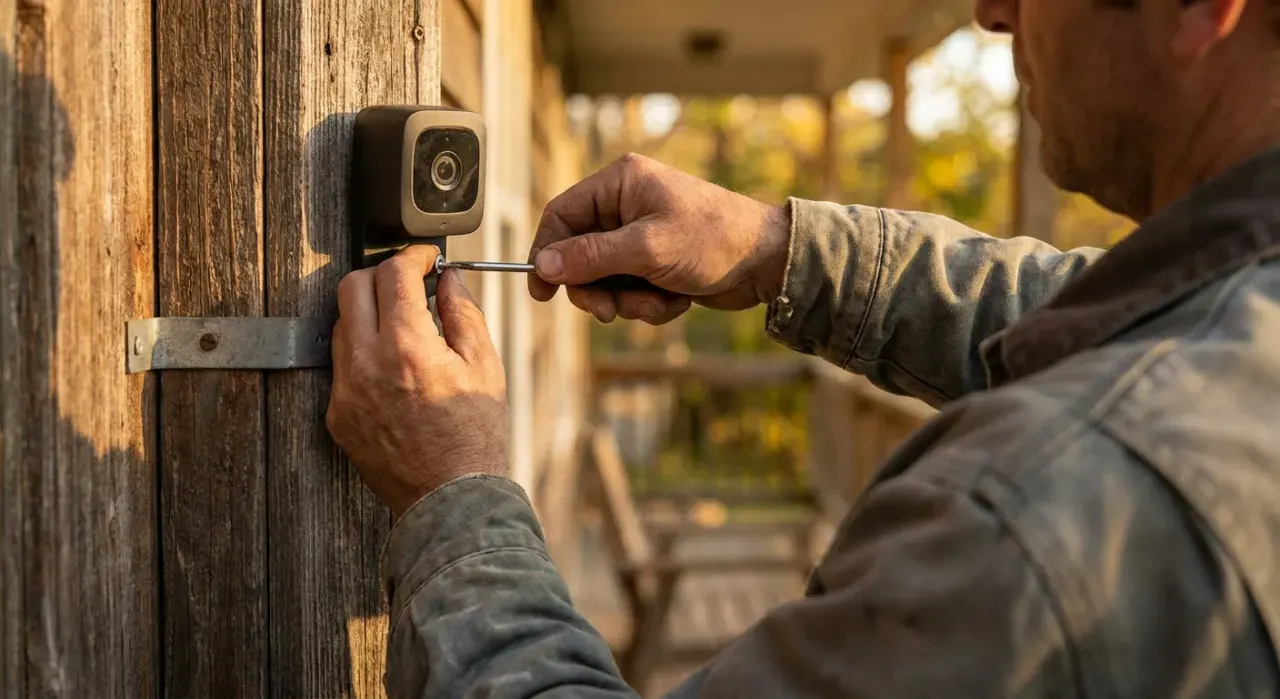
Three arrangements cover almost every household.
- MicroSD in the camera. Cheapest and simplest. Buy a high-endurance card rated for continuous write — 64 to 128 GB for event clips, 256 GB or more for continuous recording. The weakness is that a stolen camera takes its footage with it.
- Base station or hub with local storage. Cameras send clips to a hub inside the house that holds a card or a drive. Better than card-in-camera, because the recording survives the camera being removed, and it usually improves battery life on wireless cameras too.
- PoE cameras and an NVR. The strongest setup and the one commercial installers use. Continuous recording to a hard drive, no cloud involved, and it keeps working during an internet outage. Roughly $300 to $900 for four cameras plus a recorder — see do security cameras work without Wi-Fi for the full comparison.
Whichever you choose, prefer cameras that support ONVIF and RTSP. Those open standards let a camera work with third-party recording software, which means the hardware outlives any single manufacturer app — genuinely important in a category where vendors discontinue services.
What does a subscription cost over five years?
Run the arithmetic before deciding, because the plan often costs more than the hardware. Typical US pricing as of July 2026 runs about $3 to $10 a month for a single camera and $10 to $20 a month for a whole-home plan covering unlimited cameras.
| Setup | Hardware | Monthly | 5-year total |
|---|---|---|---|
| 3 cameras, cloud plan | $300 | $15 | $1,200 |
| 3 cameras, microSD only | $330 | $0 | $330 |
| 3 cameras, hub with local storage | $450 | $0 | $450 |
| 4 PoE cameras plus NVR | $700 | $0 | $700 |
| Hybrid: local plus cloud on the front door only | $400 | $4 | $640 |
The hybrid row is the sensible compromise for most homes: local recording everywhere, a cloud plan on the one camera covering the front door, so the footage most likely to matter is off-site while the bulk of it stays on your property.
When is a subscription actually worth paying for?
Four situations justify it. Theft protection for the footage, where cameras are accessible and could be removed. Professional monitoring, if you want a service that can dispatch emergency services when nobody answers — that is a genuine service, not a storage fee. Multiple cameras generating heavy traffic, where a whole-home plan is cheaper than managing storage on each. And an ecosystem you are already committed to, where the plan covers doorbell, cameras and sensors together.
It is not worth paying for if you have one or two cameras, local recording, and no requirement for off-site copies. In that case the fee buys convenience rather than security. Our security camera picks flag which models record locally and which lose core functions when a plan lapses, and our DIY security system picks cover the monitored side. If reliability rather than cost is the problem, start with why a Wi-Fi camera keeps disconnecting.
Pricing and free-tier terms on this page were checked in July 2026 and change frequently — confirm current terms with the manufacturer before buying. We never buy, install or physically handle the products we rank; recommendations come from aggregated owner reviews and published expert consensus. See how we rank.
More from this hub: Smart Home & Security · Cameras without Wi-Fi · Can smart locks be hacked? · Best security camera · How we rank