 Garden
Affiliate Disclosure
Some links on this page are affiliate links. As an Amazon Associate, we earn from qualifying purchases — at no extra cost to you. We do not buy, test, or physically handle the products we cover; our rankings come from aggregated owner reviews, ratings and expert consensus. Commissions never change our verdicts. How we rank · full disclosure.
No — most home security cameras record only when something triggers them, not continuously. The standard behavior is event recording: a motion or person detection wakes the camera, it records a clip of roughly 10 to 60 seconds, then it stops. True 24/7 continuous recording exists but requires two things most setups lack — a camera on constant power rather than batteries, and either local storage such as a microSD card or network video recorder, or a premium cloud tier. Battery-powered cameras and doorbells cannot record continuously at all.
What are the actual recording modes?
Four, and knowing which one a camera supports before you buy prevents most disappointment. Battery models are limited to the first two.
| Mode | What it records | Power needed | Storage load |
|---|---|---|---|
| Event clips | 10–60 seconds per trigger | Battery or wired | Low |
| Event clips with pre-roll | A few seconds before the trigger too | Usually wired | Low |
| Scheduled continuous | Everything during set hours | Wired | High |
| Full 24/7 continuous | Everything, always | Wired only | Very high |
Storage load is not a small difference. Continuous 1080p recording consumes roughly 1 GB per hour with H.265 compression, so a 128 GB card holds about five to seven days before it loops. The same card on event-only recording at a moderately busy door commonly covers four to eight weeks. The full arithmetic is in how long security cameras store footage.
What decides when an event camera starts recording?
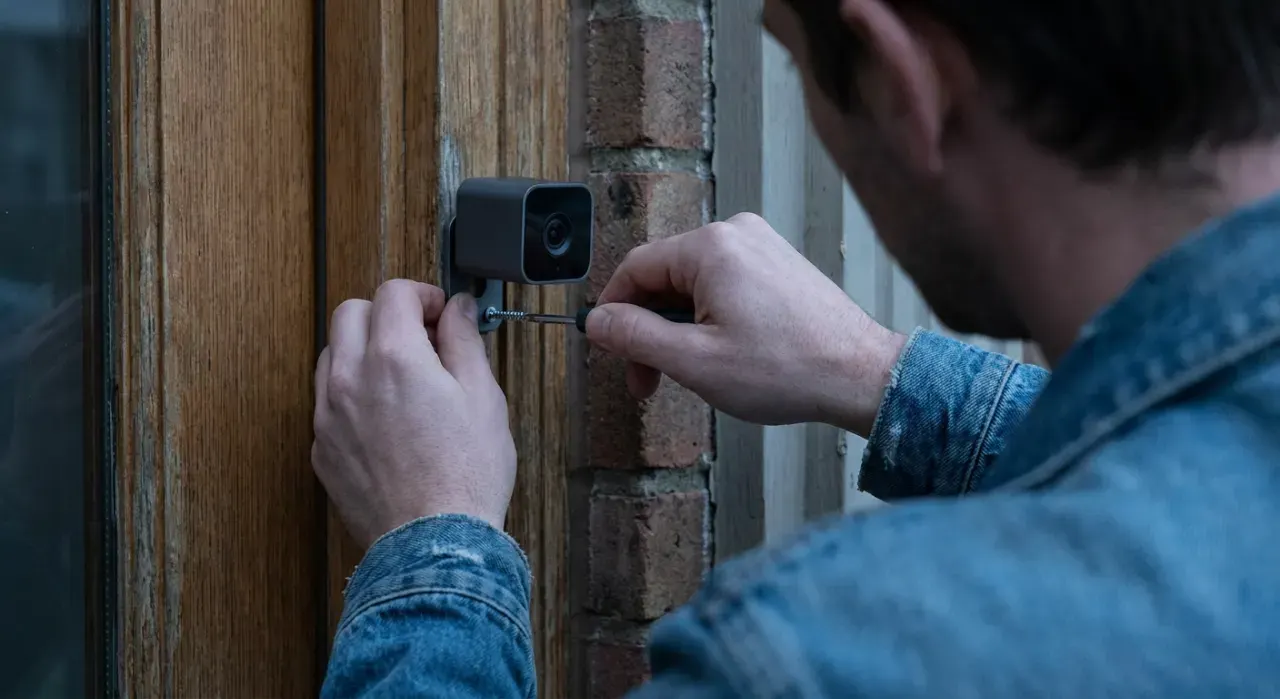
Two detection systems, often working together, and the difference explains most complaints about missed events.
- Passive infrared sensing. A heat-motion sensor that watches for a warm body moving across its field. It is cheap, uses almost no power and is what allows battery cameras to sleep. It also misses subjects moving directly toward the camera and struggles in hot weather when the background temperature approaches body temperature.
- Video motion analysis. The camera compares frames and flags change. More sensitive, catches more, but it requires the sensor to be awake — so it is a wired-camera technique — and it is what produces alerts for headlights, rain and moving branches.
- Person and package detection. An extra classification layer running on the camera or in the cloud, filtering the triggers down to the ones you care about. This is usually the paywalled feature, and it is the one that makes notifications tolerable.
If your camera misses things, the fix is almost always sensitivity and zone settings rather than a new camera. Narrow activity zones to the approach paths, raise sensitivity, and mount so subjects cross the frame rather than walk down its center line.
Which should you choose?
Event recording for almost every household. It captures the deliveries, visitors and vehicles people actually review, it keeps storage costs down, and it is the only option on battery hardware. Add continuous recording where a timeline matters — a long driveway, a gate, a workshop, a rental property — and get it through local storage rather than a subscription, since a card or a network video recorder buys continuous coverage with no monthly fee.
A practical middle ground is scheduled continuous recording overnight with event clips during the day, which most wired cameras with local storage support. Cameras that handle local recording well without a plan are set out in using a security camera without a subscription, and the power question behind all of this is covered in wired vs wireless home security cameras. The models owners rate highest across both approaches are in our home security camera picks.
We never buy, install or physically handle the products we rank. Every recommendation comes from aggregated owner reviews, star ratings, review volume and published expert consensus — see how we rank.
More from this hub: Smart Home & Security · Do video doorbells record all the time? · Night vision range · Best video doorbell · How we rank