 Garden
Affiliate Disclosure
Some links on this page are affiliate links. As an Amazon Associate, we earn from qualifying purchases — at no extra cost to you. We do not buy, test, or physically handle the products we cover; our rankings come from aggregated owner reviews, ratings and expert consensus. Commissions never change our verdicts. How we rank · full disclosure.
Yes. Four setups record without Wi-Fi, and two of them work with no internet connection at all. A PoE camera wired to a network video recorder runs entirely on Ethernet — power and video on one cable, footage on a local hard drive. A camera with a microSD card records locally whether or not it can reach a network. A cellular LTE camera uses a SIM and mobile data instead of Wi-Fi. And an analog camera on coaxial cable feeds a DVR the way CCTV always has. What you lose without an internet connection is remote viewing, phone alerts and cloud backup, not the recording itself.
What are the options and what do they cost?
Pick by what the location actually has. If it has power and you can pull a cable, wired wins on reliability every time. If it has neither, cellular plus solar is the only real answer.
| Setup | Needs | Typical cost | Records without internet? |
|---|---|---|---|
| PoE cameras plus NVR | Ethernet run to each camera | $300–$900 for 4 cameras and an NVR | Yes — fully independent |
| Wi-Fi camera with microSD card | A local network; card up to 128–512 GB | $30–$120 per camera | Yes, usually — check the model |
| Cellular LTE camera | Cell coverage and a data plan | $150–$400 plus $8–$30 a month | Records locally; sends over cellular |
| Analog camera plus DVR | Coaxial cable runs | $200–$600 for 4 cameras and a DVR | Yes |
| Trail or game camera | Batteries and an SD card | $60–$200 | Yes — nothing connected at all |
| Battery camera, local storage only | Periodic recharging | $60–$200 | Yes, but retrieval means removing the card |
Why is PoE the default for a wired install?
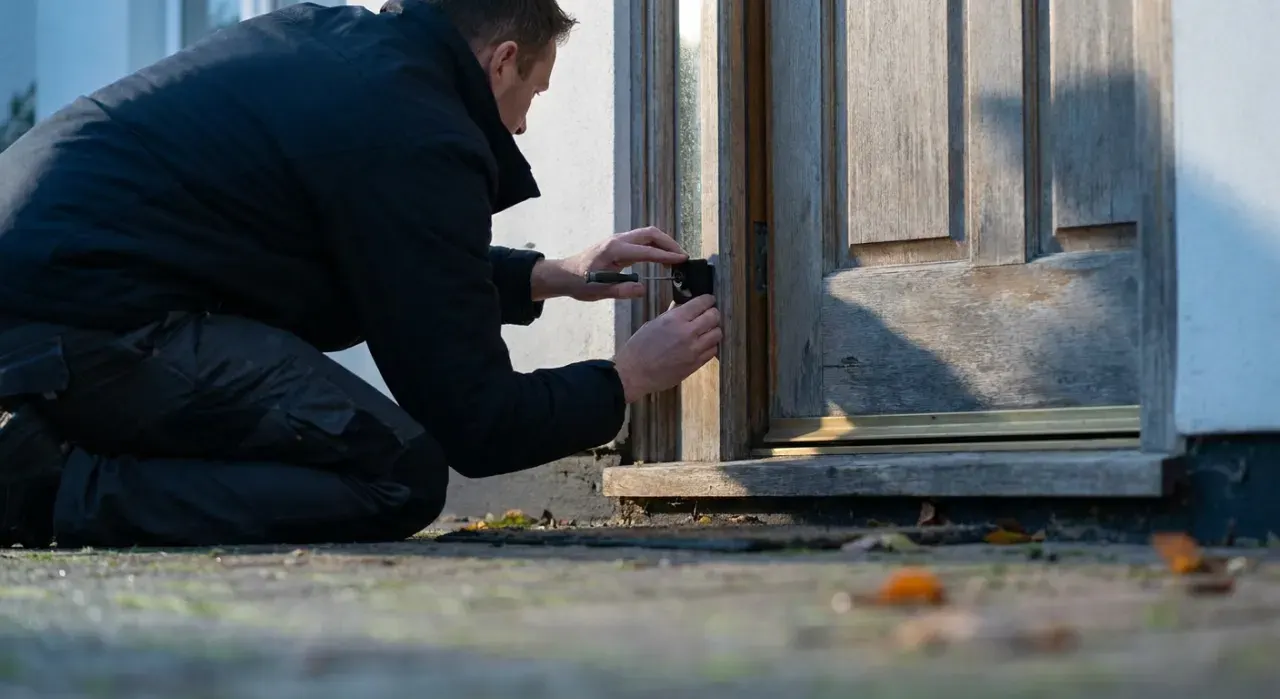
Because one cable does everything and nothing depends on radio. Power over Ethernet delivers both power and data over a single Cat5e or Cat6 run up to about 328 feet, which is the standard Ethernet limit, so a camera at the far corner of a property needs no outlet. The NVR records continuously to its own drive, and the whole system keeps working during an internet outage.
The practical numbers: a 4-channel NVR with a 1 TB drive stores roughly two to three weeks of continuous recording from four 4 MP cameras using H.265 compression, and considerably longer on motion-triggered recording. Cat6 cable runs about $0.20 to $0.35 a foot, and the labor of pulling it is the real cost — an attic or crawlspace route is a weekend job, a finished two-story wall is a job for an installer.
Buy cameras that support ONVIF and RTSP if you can. Those open standards mean the cameras will work with a recorder or software from a different manufacturer, which protects you when a vendor discontinues an app — a real and recurring problem in this category.

When does a cellular camera make sense?
When the location has no network and never will: a cabin, a barn, a job site, a remote gate, a boat dock, land you are watching for dumping or trespass. LTE cameras carry their own SIM and upload event clips over the mobile network, and most are designed to pair with a solar panel so they need no power either.
Three things to check before buying one. Coverage at the exact spot — take a phone on the same carrier and look at the bars where the camera will go, since a carrier map is not a survey. The data plan, because these are sold with per-camera plans and continuous streaming is not realistic on any of them; budget on event clips. And cold weather, since battery and solar performance both fall in winter at northern latitudes, exactly when daylight is shortest.
What do you actually give up?
Being clear about this matters, because the trade-offs are real in both directions.
| Feature | With internet | Local only, no internet |
|---|---|---|
| Recording | Yes | Yes |
| Viewing on site | Yes | Yes — monitor or local network |
| Remote viewing from anywhere | Yes | No, unless you add a VPN |
| Phone push alerts | Yes | No |
| Off-site backup if the recorder is stolen | Yes | No — hide the recorder |
| AI person and vehicle detection | Often subscription-gated | On-device only, if the camera has it |
| Ongoing cost | $3–$20 a month typical | None |
| Firmware updates | Automatic | Manual |
The stolen-recorder problem is the one worth planning around: a local-only system keeps all its evidence in one box, so put the NVR somewhere that is not obvious and not next to the cameras. A hybrid setup — local recording plus optional cloud clips — covers both, and is how most people should configure a system if the internet is available at all.
If you want the local-storage benefits without giving up phone access, the middle path is a camera with an SD card that also connects to Wi-Fi when it can. That is covered in using a security camera without a subscription, and the network side of keeping those cameras online is in why a Wi-Fi camera keeps disconnecting. Our security camera picks flag which models record locally.
We never buy, install or physically handle the products we rank. Every recommendation is drawn from aggregated owner reviews, star ratings, review volume and published expert consensus — see how we rank.
More from this hub: Smart Home & Security · Cameras without a subscription · Camera keeps disconnecting · Best DIY security system · How we rank