 Garden

Affiliate Disclosure
Some links on this page are affiliate links. As an Amazon Associate, we earn from qualifying purchases — at no extra cost to you. We do not buy, test, or physically handle the products we cover; our rankings come from aggregated owner reviews, ratings and expert consensus. Commissions never change our verdicts. How we rank · full disclosure.
The verdict. The Ring Indoor Cam holds one of the highest ratings in the whole camera category at 4.7 stars, and it earns that on reliability rather than specification. It is 1080p in a 2K world, and it saves nothing without a subscription — but it plugs in, works, stays connected, and slots into an existing Ring system with zero friction. Buy it if you already own Ring gear. Skip it if you want free recorded footage or sharper video for less money.

Best for a plug-in indoor camera in a house that already runs Ring
- 1080p HD video with infrared night vision
- Manual privacy cover over lens and microphone
- Plug-in power, no batteries to change
- Two-way talk and customizable motion zones
- Works with Alexa and the shared Ring app
Why buy it: it is the smallest, simplest way to add an indoor camera to an existing Ring system, and the physical privacy shutter answers the objection most people have to an indoor camera.
What owners consistently praise
It simply works. The reason this camera sits so far above the category average is not features, it is the absence of trouble. The dominant note in the positive reviews is that setup took a few minutes, the camera has stayed connected, and alerts arrive quickly. In a category where dropped connections drive most of the one-star reviews, that consistency is worth more than a resolution bump.
The privacy shutter. A physical cover over the lens and microphone converts an indoor camera from an ongoing negotiation with the household into a device people accept. Owners describe using it daily — covered while everyone is home, open when the house is empty — and it comes up again and again as the reason they chose this over a cheaper camera.
One app, one timeline. For a household with a Ring doorbell, having the indoor camera in the same app with the same alert history is the practical selling point. Owners who have collected cameras from three brands describe consolidating on Ring specifically to stop juggling apps.
Size and mounting. It is small, it stands on a shelf without hardware, and it can be wall or ceiling mounted with the included bracket. Owners regularly note that it disappears into a room rather than announcing itself.
What owners actually complain about
A 4.7 average does not mean no criticism — it means the criticism is concentrated in a few honest places.
Nothing is saved without a subscription. This is the loudest complaint and the fairest one. There is no microSD slot, so a plan is the only way to keep video. Buyers who did not read carefully discover after an incident that they have alerts and a live view and no footage at all. Over a few years the plan can exceed the price of the hardware several times over, and owners say so.
1080p is now behind. Cameras at half the price shoot 2.5K. At 1080p, a face across a large living room is identifiable-ish, and digital zoom falls apart quickly. For most indoor uses — is the dog on the sofa, did the kids get home, is the contractor still here — it is adequate; for identifying a stranger, it is thin.
Motion detection is basic without the plan. Person detection and richer alert filtering come with a subscription. On the free tier a curtain moving in a draft, a sunbeam crossing the floor or a cat is an alert, and owners describe muting notifications within a week.
Wi-Fi sensitivity. The 2.4 GHz radio is the usual weak point. Cameras in basements and back bedrooms account for most of the offline complaints, and the fixes are the standard ones: a mesh node closer, split SSIDs so the camera stops roaming, a fixed DHCP reservation.
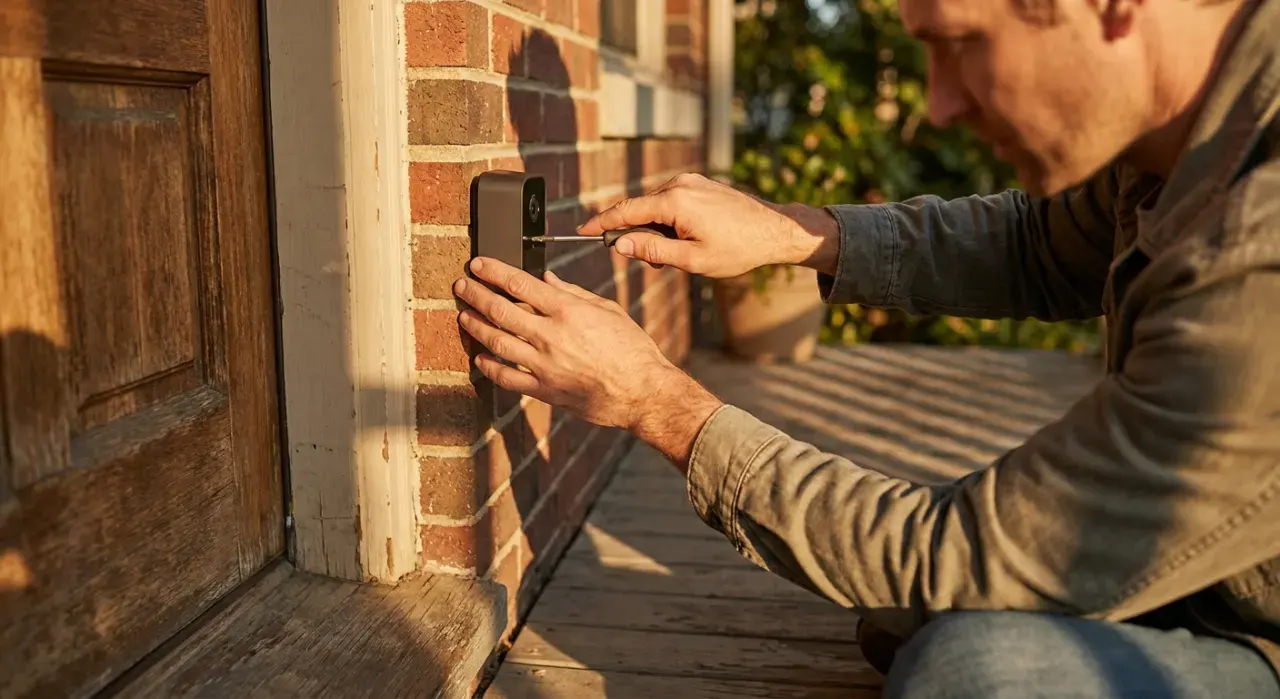
Corded only, and the cord is visible. A permanent outlet is required, and the supplied cable is short enough that owners frequently buy an extension. On a bookshelf that is fine; on a high wall mount it means a visible run of white cable.
Ecosystem lock-in. Everything routes through Ring’s cloud and Ring’s app. There is no local RTSP stream, no Home Assistant path, no way to keep the footage yourself. Technical owners find that limiting, and it is a legitimate architectural objection rather than a bug.

What it actually costs to live with
Judge this camera on three years rather than on the shelf price. The hardware is inexpensive; the plan is the recurring number, and it is the only route to saved video since there is no card slot. Run the arithmetic before you buy: a plan across three years commonly costs several times the camera itself, and it scales as you add devices — which is exactly why Ring prices a whole-home tier. Against that, a camera that records to a microSD card has a running cost of zero. Neither answer is wrong, but the decision is a subscription decision dressed up as a hardware decision, and it is worth making deliberately.
Who it suits — and who should buy something else
Buy it if you already run a Ring doorbell or Ring cameras, you want an indoor camera the household will actually tolerate, and you are willing to pay for a plan or you genuinely only need live view.
Buy something else if free recorded footage matters: the Wyze Cam v4 records 2.5K to a microSD card with no fee and costs less. If the camera is going outside, it must be weather rated — see the Blink Outdoor 4 review for the battery option or our best home security cameras roundup for the full field. And if you are trying to avoid recurring fees across the whole house, start with using security cameras without a subscription.
Specifications
| Spec | Ring Indoor Cam |
|---|---|
| Resolution | 1080p HD |
| Power | Plug-in, indoor adapter |
| Night vision | Infrared |
| Storage | Cloud with Ring Home plan; no microSD slot |
| Privacy | Manual cover over lens and microphone |
| Audio | Two-way talk |
| Motion | Customizable zones; person detection with plan |
| Wi-Fi | 2.4 GHz |
| Placement | Indoor only, shelf or wall or ceiling |
| Voice assistants | Alexa |
How we reached this verdict
We never buy, install or physically handle the products on this site. This assessment comes from the aggregated owner-review record — the star distribution, what the critical reviews say specifically, and what long-term owners report after a year — together with manufacturer specifications and expert consensus from established smart home publications. For indoor cameras we weight connection reliability, what the device does with no subscription, privacy controls and how the footage can and cannot be retained. Full method on how we rank.
More from this hub: Smart Home & Security · Best home security cameras · Wyze Cam v4 review · How long cameras store footage · How we rank
Check price on Amazon → (paid link)