 Garden
Affiliate Disclosure
Some links on this page are affiliate links. As an Amazon Associate, we earn from qualifying purchases — at no extra cost to you. We do not buy, test, or physically handle the products we cover; our rankings come from aggregated owner reviews, ratings and expert consensus. Commissions never change our verdicts. How we rank · full disclosure.
Wired security cameras run on cable for power and data, giving continuous 24/7 recording, a rock-steady connection, and no batteries — at the cost of a more involved install. Wireless and battery cameras mount in minutes almost anywhere, but most record only motion-triggered clips and need recharging or eventual wiring for power. Choose wired for a permanent, always-on system on key approaches. Choose wireless for renters, quick coverage, or spots where running cable is impractical.
What's the difference?
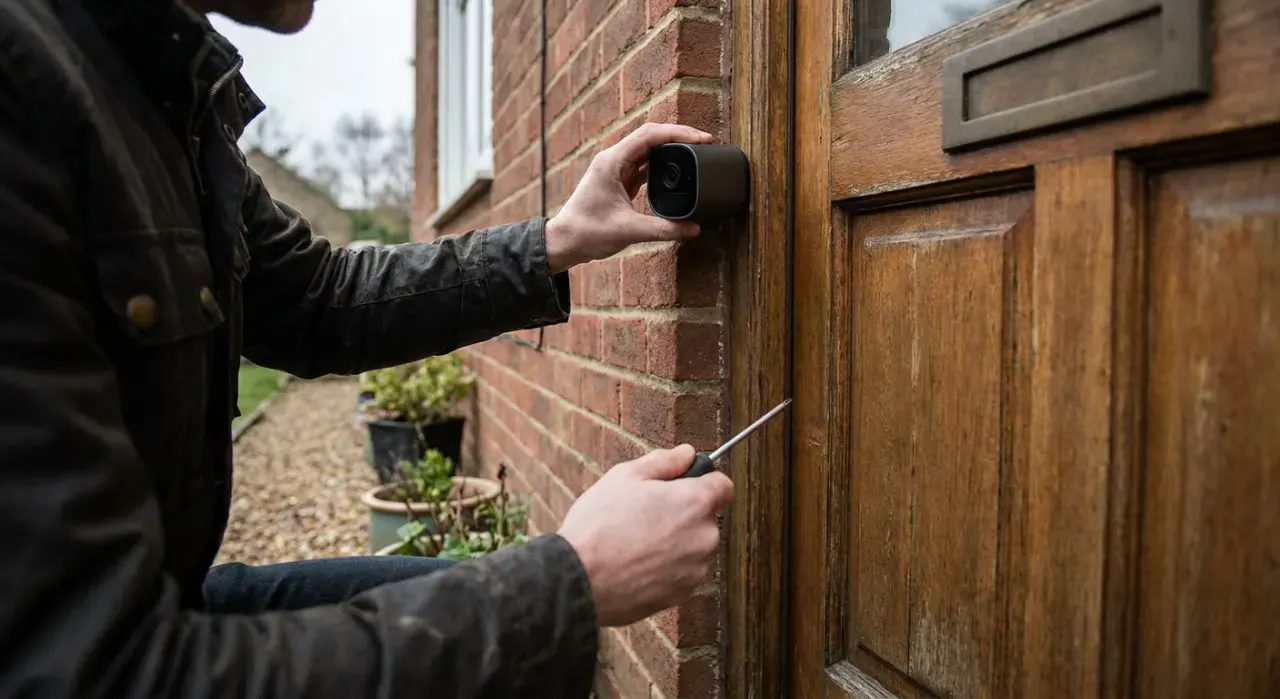
The split is about how the camera gets power and moves video. A wired camera connects by cable — often power-over-Ethernet, a single line carrying both power and data — back to a recorder (NVR or DVR), so it can record around the clock and never runs low on charge. A wireless camera sends video over Wi-Fi and draws power from a battery, a solar panel, or a nearby outlet; the truly wire-free ones trade continuous recording for battery life by capturing short clips on motion. So the real question is continuous, maintenance-free recording versus fast, flexible placement.
Wired vs wireless cameras at a glance
| Wired | Wireless / battery | |
|---|---|---|
| Recording | Continuous 24/7 | Usually motion clips (battery) |
| Power | Cable / PoE — never charges | Battery, solar, or plug-in |
| Installation | Involved — cable runs | Minutes, no cable |
| Connection stability | Very stable | Depends on Wi-Fi |
| Placement freedom | Limited by cable path | Almost anywhere |
| Renter-friendly | No | Yes |
| Maintenance | None | Recharge batteries |
| Best for | Permanent always-on coverage | Renters, quick/flexible setups |
Which is better for continuous recording?
Wired, clearly. If you want gap-free footage — every second recorded, not just clips when something moves — a wired system with an NVR or DVR is built for exactly that, and it never pauses to recharge. Battery wireless cameras deliberately sleep between motion events to preserve charge, so anything that happens between triggers is not on file, and a car that rolls slowly past may not wake it. Plug-in Wi-Fi cameras can record continuously with the right storage, but for a dependable, always-on record of a driveway or entrance, the wired system is the one that captures everything.
Which is easier to install and move?
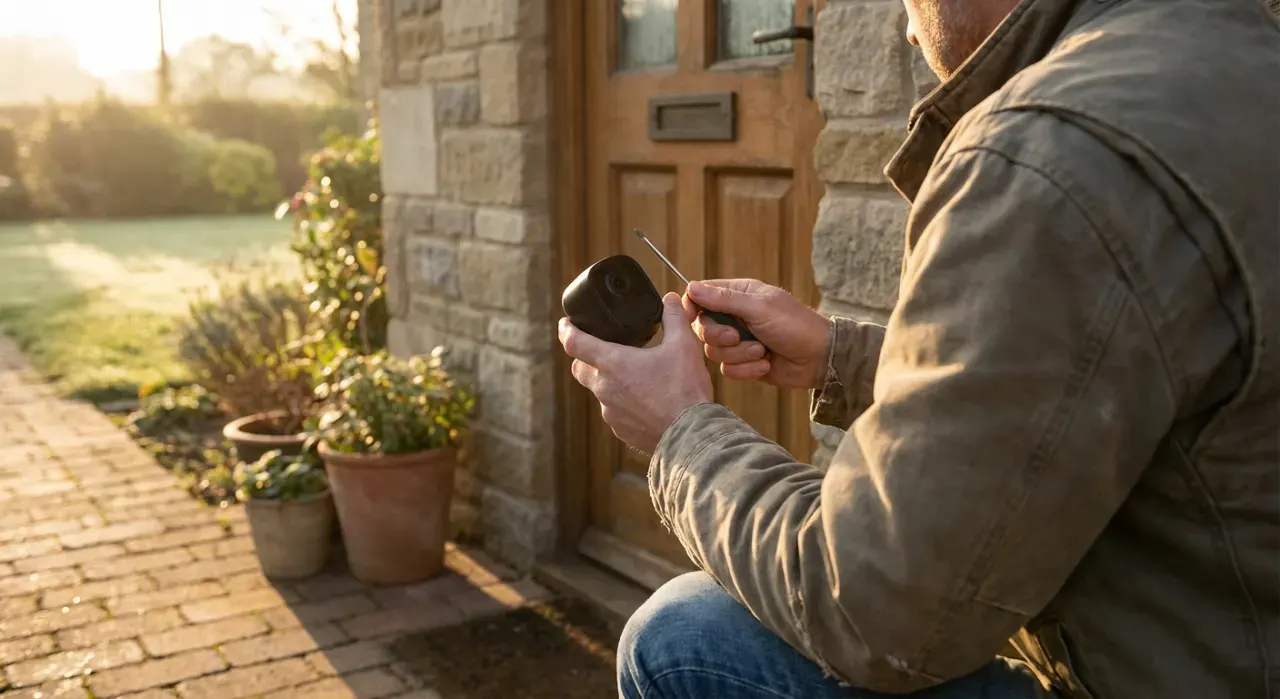
Wireless, by a wide margin. A battery camera mounts with a couple of screws or an adhesive base and pairs to the app in minutes, with no drilling through walls or fishing cable through the attic — which is why it is the go-to for renters and for anyone who wants coverage today. Wired cameras demand cable runs and often a recorder, enough work that many people hire an installer. Wireless also relocates easily as your needs change. If flexibility and a fast, damage-free setup matter most, wireless is the obvious pick.
Which should you buy?
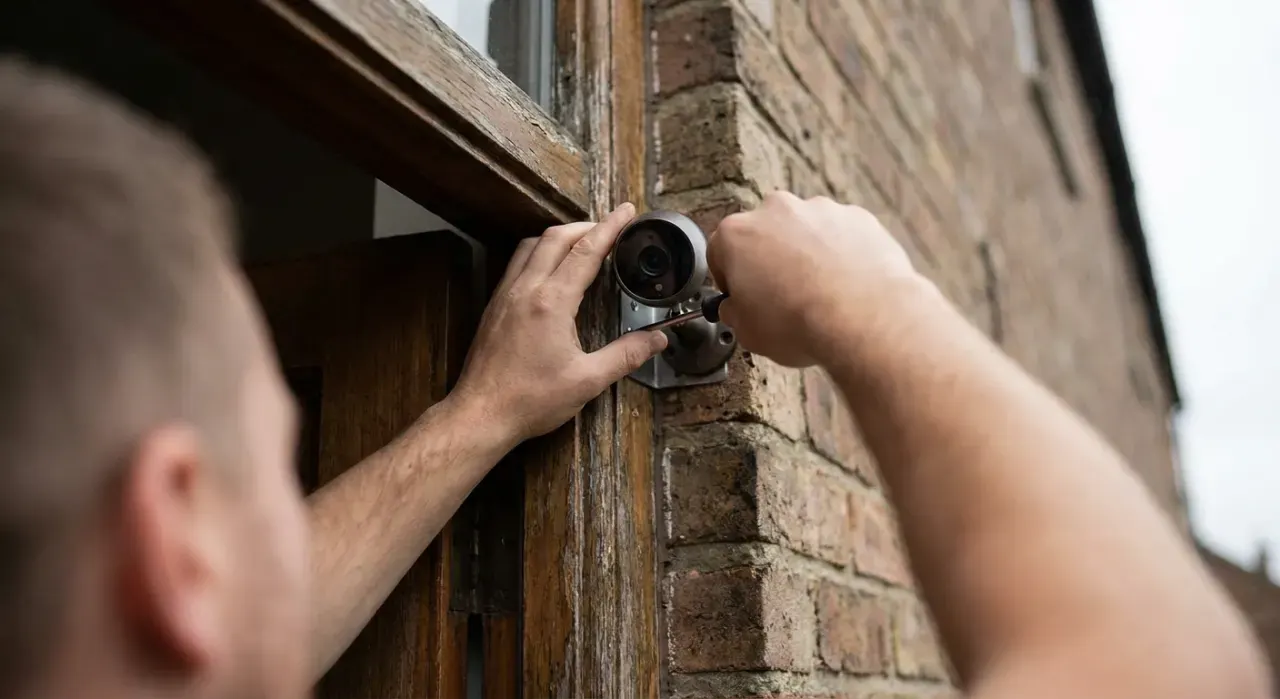
Buy wired cameras if you own the home and want a permanent, always-on system with continuous recording and no batteries to manage on your most important approaches. Buy wireless or battery cameras if you rent, want coverage installed in an afternoon, or need to place a camera where no cable can reach. Many homes mix the two — wired on the driveway and front door, wireless to fill in a side yard or shed. Our picks come from aggregated owner reviews and expert consensus rather than first-hand testing — see how we rank.
Where to go next
Compare specific models in our best home security cameras roundup. Related reading: do security cameras work without Wi-Fi and using a camera without a subscription. More comparisons: wired vs wireless video doorbell. All under the smart home and security hub.