 Garden
Affiliate Disclosure
Some links on this page are affiliate links. As an Amazon Associate, we earn from qualifying purchases — at no extra cost to you. We do not buy, test, or physically handle the products we cover; our rankings come from aggregated owner reviews, ratings and expert consensus. Commissions never change our verdicts. How we rank · full disclosure.
The verdict. The Consciot 12W is a well-judged budget desk lamp and its 4.7-star average is one of the highest in the category. Five color modes, seven brightness levels, touch controls that remember your setting and a USB port, for under thirty dollars. Buy it for a student desk, a dorm, a guest room or a second workspace. Skip it if you need a long reach over a wide desk, real fast charging, or the light output for detailed close work.

Best for a homework desk, a dorm room or a home office that needs decent task light for under thirty dollars
- 5 color modes and 7 brightness levels — 35 combinations
- Touch-sensitive controls with a memory function
- USB charging port on the base for a phone
- Folding arm and head, adjustable through a wide range
- 60-minute auto-off timer and a night-light mode
Why buy it: the mode and brightness grid is what makes it usable for both a homework session and a late-evening room glow, which is more range than most lamps at any price.
What owners consistently praise
The range of settings. Five color modes times seven brightness levels is thirty-five combinations, and unlike a lot of cheap lamps the steps are useful rather than decorative. Owners describe leaving it on a cool bright setting for daytime work and a low warm setting in the evening, which is exactly what a variable lamp is for.
Even, diffused light. The panel is wide enough that light lands across the desk rather than as a spotlight on one spot, and the diffuser hides the individual LEDs. Reviewers who previously used a lamp with visible emitters mention the reduction in glare as the biggest practical difference.
Touch controls with memory. One touch to switch on at the last-used setting is a small thing that gets mentioned constantly. Owners rate the controls as responsive rather than the mushy, over-sensitive kind that plague budget lamps.
Extras that get used. The 60-minute timer is popular for reading in bed, the night-light mode for a child’s room, and the USB port for a phone or a set of earbuds. None is a headline feature; all three appear repeatedly in positive reviews.
What owners actually complain about
The USB port is slow. The most common single complaint. It is a low-current port suitable for trickle charging, and buyers who assumed it would fast-charge a modern phone are disappointed. It will keep a phone topped up overnight and no more.
Plastic build and a light base. The body is plastic and the base is not heavy. Extend the arm fully and the lamp becomes tippy, and a knock from a passing elbow can put it over. Owners in shared or high-traffic spaces mention this most.
Limited reach. The folding arm covers a normal desk and no more. Anyone who wanted the head out over a keyboard tray, a sewing machine or a large drafting surface finds it too short, and there is no clamp mount option to fix it.
Not bright enough for detail work. At full output it is fine for reading and paperwork and thin for soldering, model work or dark-fabric sewing. Since brightness is a matter of lumens rather than watts, the 12-watt rating on the box is not by itself a reliable guide to whether it is enough light for close work, which is why owners buying it as a hobby lamp are the largest group of three-star reviews.
Failures within the first year. A minority but consistent thread reports the touch panel becoming unresponsive, a mode dropping out, or the lamp dying outright after several months. Good-quality white LEDs are rated by the US Department of Energy for a useful life of 30,000 to 50,000 hours or longer, and the review record here is consistent with that: at this price the LEDs themselves rarely fail; it is the driver and the touch electronics. Support responses are described as mixed, so keep the order record.
No true color-temperature dial. Five fixed modes, not continuous adjustment. Most people find one that suits; a few want something between two steps and cannot get it.
Cool white can look clinical. The brightest cool setting is genuinely cool, and owners who leave it there in a warm-toned room describe the light as harsh. Stepping down one mode fixes it, which is what the modes are for.
Getting the placement right
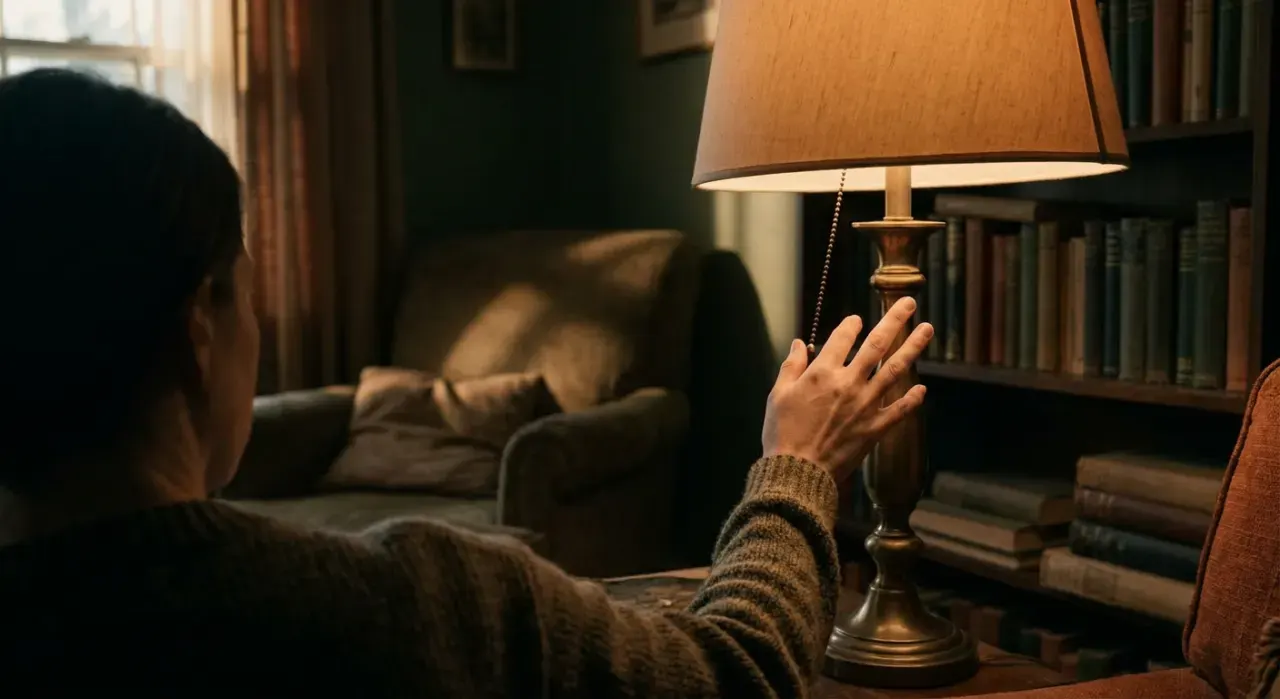
A cheap lamp positioned well beats an expensive one positioned badly, and the rules are simple. Put the lamp on the side opposite your writing hand so the head does not cast a shadow over the page. Raise the head above eye level and angle it down at the work, so you never see the emitter directly — glare, not brightness, is what makes eyes ache. Keep some ambient light on in the room: a bright pool of light in a dark room forces the pupil to keep readjusting every time you look up, which is a large part of what people call screen fatigue. And if the lamp sits beside a monitor, set it to a cooler mode during the day and step it down one setting after dark, which is exactly the range the five modes exist to give you.
Who it suits — and who should buy something else
Buy it if you need competent, adjustable task light on a normal desk for very little money — a student desk, a dorm, a home office corner, a bedside reading lamp.
Buy something else if the work is detailed or the desk is wide: a clamp-mounted swing-arm lamp gives far more reach and output, and the options are ranked in best desk lamps. If you spend long days at a screen and eye comfort is the priority, see best desk lamps for eye strain. If you want the lamp on a schedule or under voice control, a plain lamp with a smart bulb is cheaper and more flexible — see the Govee smart bulb review. And to size the light properly first, read how many lumens a desk lamp needs.

Specifications
| Spec | Consciot 12W LED Desk Lamp |
|---|---|
| Power | 12W LED panel |
| Color modes | 5 |
| Brightness levels | 7 |
| Controls | Touch-sensitive, with setting memory |
| USB port | Yes — low current, trickle charging only |
| Timer | 60-minute auto-off |
| Adjustment | Folding arm and head, two joints |
| Mounting | Weighted base only — no clamp option |
| Build | Plastic body and base |
| Best suited to | Reading, homework, paperwork, general desk work |
How we reached this verdict
We never buy, install or physically handle the products on this site. This assessment comes from the aggregated owner-review record — star distribution, the specific content of critical reviews, and what owners report six months and a year on — plus manufacturer specifications and expert consensus from established lighting and home publications. For desk lamps we weight glare control and diffusion, useful output for the stated task, the range and quality of the adjustment, and how the lamp holds up in the first year. Full method on how we rank.
More from this hub: Indoor Lighting · Best desk lamps · Govee smart bulbs review · How long LED bulbs actually last · How we rank
Check price on Amazon → (paid link)