 Garden
Affiliate Disclosure
Some links on this page are affiliate links. As an Amazon Associate, we earn from qualifying purchases — at no extra cost to you. We do not buy, test, or physically handle the products we cover; our rankings come from aggregated owner reviews, ratings and expert consensus. Commissions never change our verdicts. How we rank · full disclosure.
A smart lock is about as safe as the deadbolt, strike plate and door frame it is fitted to — the realistic weak point is physical, not digital. Burglars kick doors and pry frames; they do not attack Bluetooth pairing. The genuine digital risk is your manufacturer account, which is protected by turning on two-factor authentication and using a unique password. Keep firmware current, install with 3-inch screws into the stud, choose an ANSI Grade 1 or 2 lock, and keep a mechanical backup. Done that way, a smart lock is at least as secure as the keyed lock it replaced, and removes the keyway that picking and bumping rely on.
We never buy or physically handle the products we rank; recommendations come from aggregated owner reviews, published security research and manufacturer specifications, as described in how we rank. The category sits at the smart home and security hub, and the specific question of software attacks is covered in can smart locks be hacked.
The threat model, ranked by what actually happens
Security decisions get easier when you rank threats by frequency rather than by how alarming they sound. Based on how residential burglaries are actually carried out, the order looks like this:
| Attack | How common | Skill needed | What stops it |
|---|---|---|---|
| Kicking the door in | Very common | None | 3-inch screws into the stud, reinforced strike, solid door |
| Unlocked door or window | Very common | None | Auto-lock — a genuine smart lock advantage |
| Breaking glass nearby and reaching the thumbturn | Common | None | Double-cylinder lock where code permits, or laminated glass |
| Prying the frame or bolt | Occasional | Low, needs a tool | ANSI Grade 1 bolt, 1-inch throw, deep strike box |
| Drilling the cylinder | Uncommon | Moderate | Anti-drill pins, or a keyless lock with no cylinder |
| Picking or bumping | Rare | High | Not applicable to keyless smart locks at all |
| Compromising the cloud account | Rare, but real | Low if you reuse passwords | Unique password plus two-factor authentication |
| Local radio or firmware attack | Very rare | High, needs proximity | Current firmware, reputable brand |
Read the top of that table again. The two most common ways someone gets through a residential door involve no lock defeat at all. That is why the installation and the door matter more than the electronics, and why a smart lock with reliable auto-lock arguably improves real-world security by removing the most common failure of all: a door nobody locked.
The physical layer is where the security is
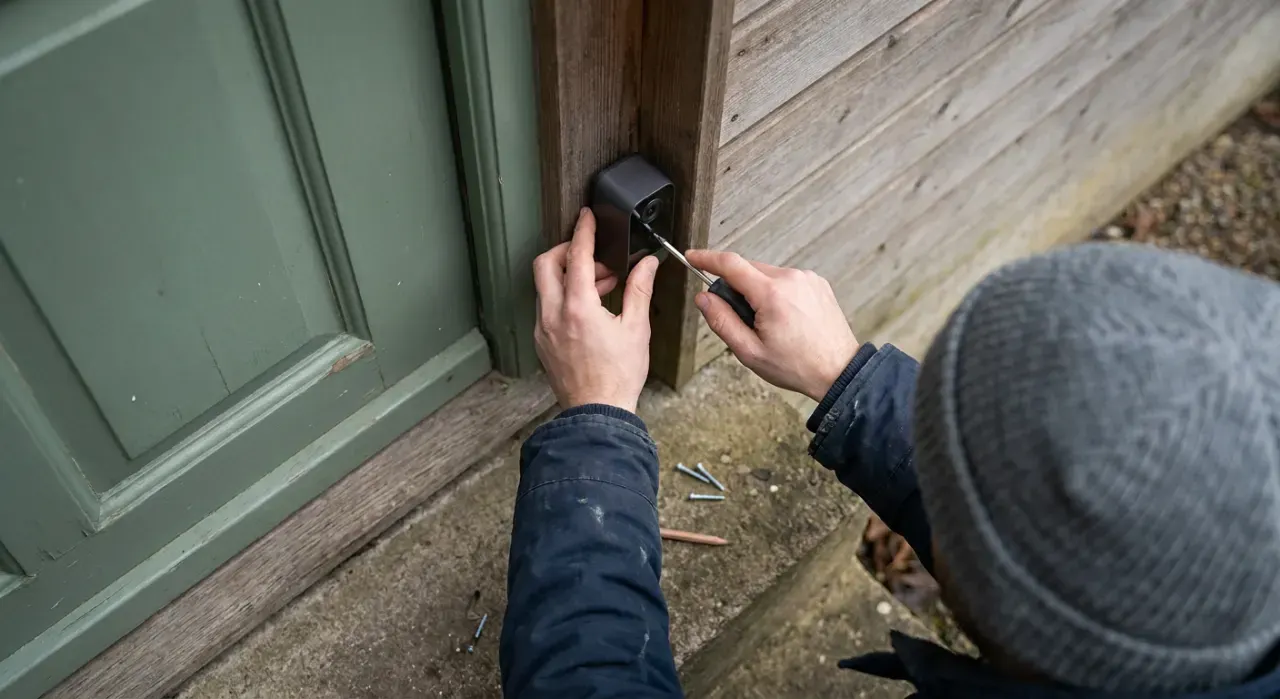
Any deadbolt, smart or not, is only as strong as what the bolt goes into. The failure in a kicked-in door is almost never the bolt shearing — it is the strike plate tearing out of soft pine jamb held by three-quarter-inch screws.
- Use 3-inch screws through the strike plate and into the wall stud behind the jamb. This is the single highest-value security upgrade in a house and costs under $5.
- Fit a reinforced strike box, which spreads force across a larger area of the frame.
- Check the bolt throw. A full 1-inch throw engaging deep into the strike resists prying far better than a partially extended bolt, which is what happens on a door that has sagged out of alignment.
- Choose the right ANSI grade. BHMA and ANSI grade locks 1 to 3 on strength, security and finish durability. Grade 1 is commercial-level, Grade 2 is a solid residential choice, Grade 3 is basic. Most reputable smart deadbolts are Grade 2 or better.
- Look at the door itself. A hollow-core door with a Grade 1 lock is a Grade 1 lock in a door someone can put a foot through.
If you are fitting one yourself, alignment is the step people rush and regret — see how to install a smart lock. A lock that has to force the bolt through a misaligned strike drains batteries fast and eventually fails to lock at all.
Hardening the digital side, in five minutes
The remote attack path that matters is your account, not your radio. Credential stuffing — trying passwords leaked from unrelated breaches against other services — is cheap, automated, and the reason most consumer smart home accounts get taken over. Everything below is quick and closes most of that path.
- Turn on two-factor authentication in the lock app. If the manufacturer does not offer it, that is a meaningful mark against the brand.
- Use a unique password for the lock account. Not a variant of one you use elsewhere.
- Keep firmware current. Enable automatic updates, and check manually a couple of times a year. Reputable manufacturers patch disclosed vulnerabilities; the risk lives in locks that never get updated.
- Audit access regularly. Remove guest codes and shared users you no longer need — old codes for a contractor, a former housemate, a dog walker. This is the most commonly neglected step and the most likely to matter.
- Use distinct codes per person rather than one shared household code, so the access log tells you something and you can revoke one without changing everyone.
- Avoid obvious codes. Not the house number, not a birth year. Wear patterns on a keypad narrow the digits already.
Locks that operate on a local hub protocol rather than Wi-Fi — Zigbee or Z-Wave — keep control inside the house and are not internet-reachable at all unless you deliberately expose the hub. That is a real architectural advantage, at the cost of needing a hub. The trade-offs are covered in Wi-Fi vs Zigbee vs Z-Wave and Matter and Thread explained.
Failure modes and backups
The honest weakness of a smart lock is not that someone breaks it — it is that it stops working and you are on the wrong side of the door. Plan for four scenarios:
- Dead batteries. Most locks warn for two to four weeks. Keyed models open with the key; many keyless models expose 9-volt emergency contacts on the exterior. Expect 6 to 12 months per set of batteries — see how long smart lock batteries last and how to change them.
- Wi-Fi or internet down. Keypad codes and Bluetooth still work at the door; only remote access stops. Detail in do smart locks work without Wi-Fi.
- Phone lost or dead. This is why a keypad matters — a lock that only opens from an app has a single point of failure you carry in your pocket.
- The lock itself fails. Uncommon, but a mechanical key or a spare key held off the property is the answer. A key hidden under a mat is not a backup; it is an unlocked door.
One thing that is not a failure mode: getting trapped inside. US building codes require egress from a dwelling without a key, tool or special knowledge, so every residential smart deadbolt opens from the inside by thumbturn. Double-cylinder locks that need a key on both sides are restricted or prohibited in many jurisdictions for exactly that reason — check local code before fitting one.
What to look for when choosing
- ANSI/BHMA Grade 1 or 2, published rather than implied.
- A keypad, so entry never depends on a phone.
- Two-factor authentication available on the account.
- A published firmware update history. A brand that ships updates is a brand that is still paying attention.
- Auto-lock with an adjustable delay, which addresses the most common real-world security failure.
- An access log showing who entered and when.
- A local protocol or a mechanical key so you are not fully dependent on a cloud service that could be discontinued.
These criteria broadly track NIST's recommended cybersecurity baseline for consumer IoT products, worth checking directly if you want the source document.
Our current picks are at best smart lock, with a separate set for rentals at best smart lock for short-term rentals. Related: how smart locks work, smart lock vs keypad lock, the hub, and how we rank.