 Garden
Affiliate Disclosure
Some links on this page are affiliate links. As an Amazon Associate, we earn from qualifying purchases — at no extra cost to you. We do not buy, test, or physically handle the products we cover; our rankings come from aggregated owner reviews, ratings and expert consensus. Commissions never change our verdicts. How we rank · full disclosure.
Installing a smart lock is one of the easiest smart-home upgrades: about 30 minutes, one Phillips screwdriver, and no wiring. A smart deadbolt reuses your existing bore holes, so you are swapping hardware, not cutting the door. Cost is just the lock ($90 to $300). There is nothing electrical or structural involved, so no permit and no pro are needed for a standard exterior door. The only measurements that matter are backset, door thickness, and getting the latch aligned so the bolt throws cleanly.
Measure before you buy
Three numbers decide fit. Backset: from the door edge to the center of the bore hole, either 2-3/8 or 2-3/4 inches. Door thickness: standard is 1-3/8 to 1-3/4 inches. Bore diameter: the face hole is almost always 2-1/8 inches. Most smart deadbolts adjust to cover both backsets and the standard thickness range. Confirm these before ordering.
Step-by-step installation
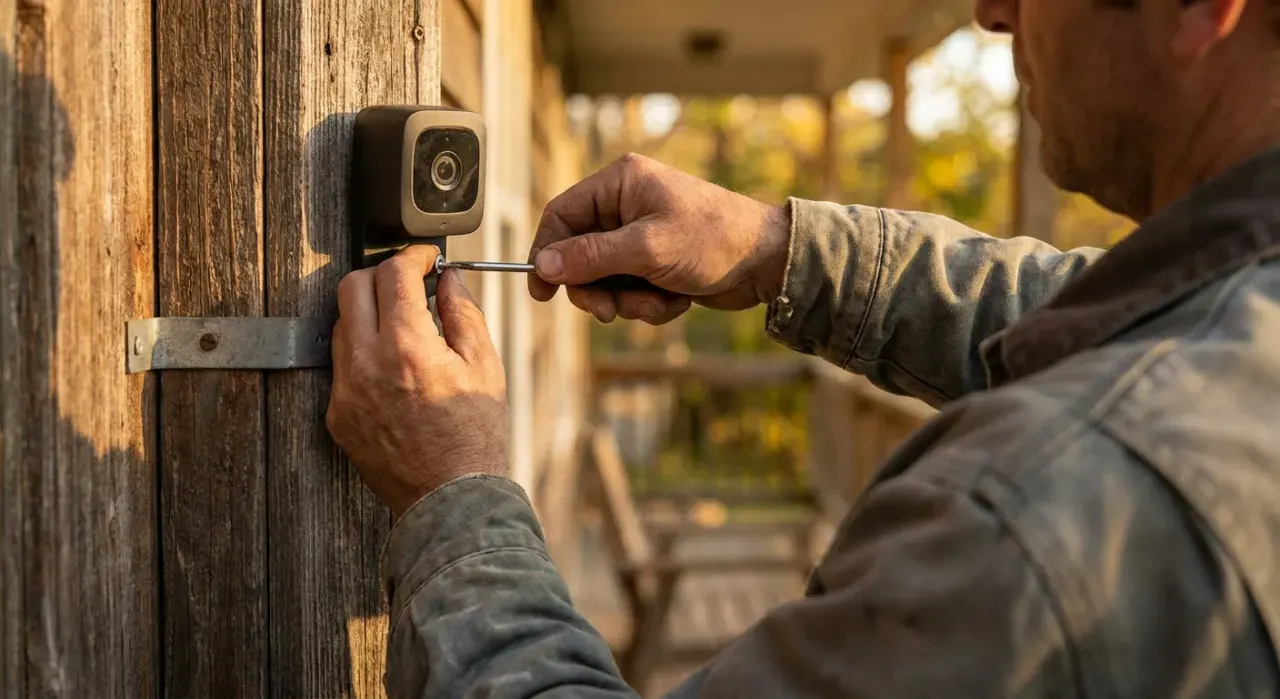
- Remove the old deadbolt. Unscrew the two screws on the interior thumbturn, pull both halves off, then remove the two screws holding the latch in the door edge and slide the latch out.
- Set the new latch backset. If the latch is adjustable, set it to your measured backset (2-3/8 or 2-3/4 inches). Slide it into the edge bore with the beveled or flat face oriented per the instructions, and screw it in flush.
- Mount the exterior half. Feed the exterior keypad or cylinder through the face bore so its tailpiece or spindle passes through the slot in the latch.
- Attach the mounting plate and interior half. Fit the interior mounting plate, then the interior body with the motor and battery pack. Do not fully tighten until you confirm the bolt turns.
- Test the throw by hand. Turn the thumbturn. The bolt should extend and retract smoothly. If it grinds, back the screws off slightly — over-tightening pinches the spindle.
- Check strike alignment. Close the door and throw the bolt. It should slide into the strike hole without lifting or forcing the door. If it catches, file the strike hole or reposition the strike plate.
- Install batteries and pair. Load the AA batteries, then run the app's guided setup over 2.4 GHz Wi-Fi or the lock's own hub. Calibrate the lock/unlock direction and set your first code.
- Set codes and delete the default. Create a unique personal code, add guest codes as needed, and remove any factory default code.
Tools and materials
You need only a #2 Phillips screwdriver, the AA batteries the lock uses, and a tape measure for the initial fit check. A file or utility knife helps if the strike needs adjusting. A smart lock is the entry layer of a connected home, so it pairs naturally with a doorbell and cameras — see our smart lock picks for models with the best owner-reported reliability, and our video doorbell roundup if you want to see who is at the door before you unlock. To tie codes and alerts into one app, our DIY security system guide covers compatible hubs.
Mistakes that cause a jamming bolt
- Wrong backset. If the adjustable latch is set to the wrong length, the bolt never lines up with the strike. Measure and set it first.
- Over-tightening. Cranking the mounting screws pinches the spindle and stalls the motor. Snug, then test, then final-tighten.
- Ignoring strike misalignment. A bolt that only throws when you lift the door means the strike hole is off. Fix the strike, not the lock.
- Keeping the default code. Leaving the factory code active is the real security hole. Replace it immediately.
When to call a pro
A standard deadbolt swap needs no pro. Call a locksmith or carpenter if you have a mortise lock, a narrow-stile aluminum-and-glass door, a door with no existing deadbolt bore (which requires drilling with a jig), or a warped door where the bolt will not reach the strike no matter how you adjust it. None of this is electrical work, so an electrician is not involved; it is a fit-and-carpentry question when the door itself is nonstandard.
We never buy, test or physically handle the products we rank. Recommendations come from aggregated owner reviews, star ratings, review volume and expert consensus — see how we rank.
More from this hub: Smart Home & Security · Installing a video doorbell · Installing door and window sensors · Setting up a smart home hub · Best smart locks · How we rank