 Garden
Affiliate Disclosure
Some links on this page are affiliate links. As an Amazon Associate, we earn from qualifying purchases — at no extra cost to you. We do not buy, test, or physically handle the products we cover; our rankings come from aggregated owner reviews, ratings and expert consensus. Commissions never change our verdicts. How we rank · full disclosure.
Take the cover off the interior escutcheon — usually one or two Phillips screws or a slide-off panel — lift out the battery pack, replace all four to eight AA batteries at once with fresh alkalines of the same brand, and refit. The whole job takes about five minutes and needs one screwdriver. Your access codes, pairing and user list survive the swap on essentially every current lock, because they are stored in non-volatile memory. Do not press any reset button while the cover is off, which is the one way to lose your settings.
We never buy or physically handle the products we rank; recommendations come from aggregated owner reviews and manufacturer documentation, described in how we rank. More at the smart home and security hub.
Do Not Wait for the Lock to Die
Smart locks warn well ahead of failure — an app notification, a flashing red LED on the keypad, a distinctive beep pattern, or a slower-sounding motor. Once the warning starts you typically have days to a couple of weeks of normal use, not hours.
Change them at the warning. A lock that runs flat while you are out means either a 9-volt jump-start at the door or a physical key, and the number of people who discover their backup key is inside the house is not small.
The Swap
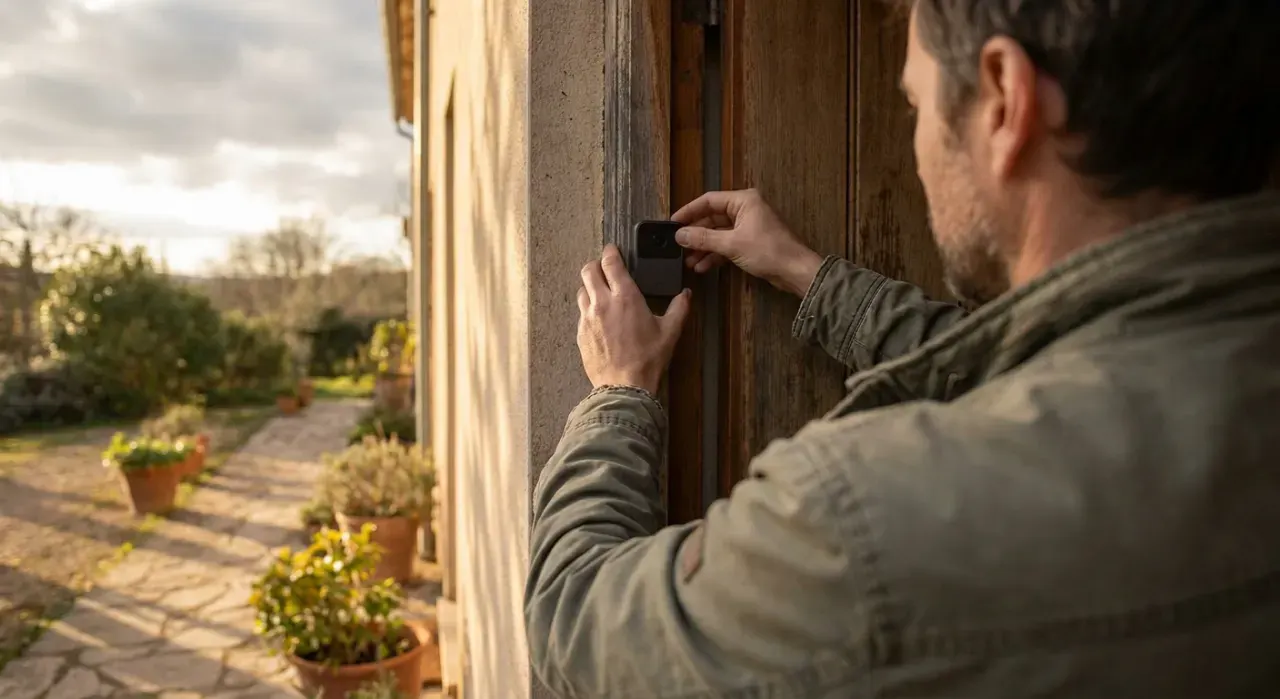
- Work from inside with the door open, so a mid-swap fault cannot lock you out.
- Open the interior cover. Most locks use one or two Phillips screws at the base of the interior escutcheon, or a cover that slides upward off two tabs. A few use a small hex key. Keep the screws somewhere they cannot roll away.
- Note the pack orientation before removing it. Many locks use a removable carrier tray; photograph it if the polarity markings are hard to read.
- Remove all batteries. Four AA is the most common configuration; some use six or eight.
- Check the contacts. Any white or green crust means a leaked cell — clean it off with a cotton swab dampened with white vinegar, then dry thoroughly before fitting new cells. Corroded contacts are a common cause of a lock reporting low battery on fresh cells.
- Fit fresh alkalines, all of the same brand and age. Mixing brands or a new cell with a partly used one causes the weakest cell to drag the pack down and can cause leaking.
- Watch the polarity. One reversed cell means a dead lock and a confusing five minutes.
- Refit the pack and cover, and screw it down snugly without overtightening — the covers are usually thin plastic.
- Test before closing the door. Lock and unlock from the keypad, from the app, and by hand with the thumbturn. Confirm the app shows a full battery level and the device is online.
Which Batteries
| Type | Verdict | Notes |
|---|---|---|
| Alkaline AA (good brand) | Recommended default | What manufacturers test with; best value |
| Lithium AA | Best for cold climates | Holds voltage below freezing; costs more; check the manual permits it |
| Rechargeable NiMH | Generally not recommended | 1.2 V nominal reads as low; motor may not cycle reliably |
| Budget or bulk alkaline | Avoid | Shorter life and the main source of leak damage in owner reports |
| Mixed brands or ages | Never | Weakest cell drags the pack and can vent |
Manufacturers rate cold performance differently, but the general pattern is clear: alkaline capacity falls steeply below about 20 degrees F, while lithium AA cells stay usable well below zero. On an exterior door in the northern half of the country, lithium is worth the premium purely for not changing batteries in January.
Expected Life by Lock Type
| Lock type | Typical life | Why |
|---|---|---|
| Bluetooth keypad deadbolt | 9 to 12 months | Radio wakes only on demand |
| Z-Wave or Zigbee with hub | 6 to 12 months | Low-power mesh radio |
| Matter over Thread | 6 to 12 months | Similar low-power profile |
| Direct WiFi lock | 2 to 5 months | Maintaining a WiFi association is expensive |
| Fingerprint or camera-equipped | 3 to 6 months | Sensor and processing overhead |
| Retrofit thumbturn adapter | 4 to 9 months | Motor works against an existing deadbolt |
Detail at how long smart lock batteries last.
If Batteries Keep Dying Early
Check the deadbolt alignment first. This is the top mechanical cause. With the door open, throw the bolt by hand — it should move freely. Then close the door and try again. If it drags, binds, or needs the door pulled or lifted, the motor is fighting the strike on every cycle and drawing several times the current it should. Fix it by enlarging or repositioning the strike plate hole, or by adjusting the hinges if the door has sagged. This also fixes the far more annoying problem of a lock that reports jammed.
Other causes worth checking:
- Auto-lock set too aggressively. A 30-second auto-lock on a busy door can triple the number of motor cycles a day. Push it to 2 to 5 minutes.
- Weak hub or bridge signal causing repeated transmit retries. Move the hub closer or add a mesh repeater.
- Cold exposure on a metal door with no storm door.
- Corroded or bent contacts in the battery tray.
- Firmware bugs — several brands have shipped updates specifically addressing battery drain, so keep firmware current through the app.
Cost and a Schedule That Works
Batteries are the entire running cost of a smart lock, and it is small. Four quality alkaline AA cells run about $3 to $5, and four lithium AA about $8 to $12. On a twice-yearly change that is $6 to $24 a year per lock.
| Approach | Annual cost per lock | Trade-off |
|---|---|---|
| Alkaline, change on warning | $6 to $10 | Cheapest; occasional inconvenient timing |
| Alkaline, scheduled twice a year | $8 to $12 | Predictable; discards some remaining capacity |
| Lithium, change on warning | $10 to $16 | Best cold-weather reliability |
| Lithium, scheduled annually | $8 to $12 | Set-and-forget on a well-aligned lock |
The habit worth adopting is tying the change to something you already do twice a year — the same weekend as smoke alarm batteries, which fire services recommend checking at the daylight saving changes, is the easiest anchor. Keep a spare set of four in a drawer near the door rather than in a garage that freezes, since cold storage reduces the capacity of the spares too.
Enable low-battery push notifications in the app if they are not on by default. Several brands ship with them disabled, which is how a lock goes flat without warning even though the LED has been flashing at an unlit doorway for a week.
Getting In When They Are Already Dead
- 9-volt jump-start. Most keypad locks have two exposed contacts on the underside of the exterior escutcheon. Hold a fresh 9-volt battery firmly against them — the keypad lights up and accepts your code while contact is maintained. This is the intended emergency method on several major brands.
- Physical key. Many smart deadbolts retain a keyway, and most retrofit adapters leave your original deadbolt and key untouched. Keep a key with a neighbor or in a lockbox off the door.
- Another entrance. Obvious, and it is the reason not to convert every exterior door at once.
- Locksmith. The expensive last resort, typically $80 to $200 for a callout.
Safety and When to Call a Pro
Changing batteries is a screwdriver job with no electrical hazard — smart locks run on low-voltage DC. Stop and get help if the lock body is hot, if a battery has leaked heavily into the housing, if the motor grinds without moving the bolt, or if the lock will not secure the door at all.
Hard-wired locks, electric strikes and access-control systems on shared or multifamily entrances are different: those involve building wiring and often fire and egress code, and they are work for a licensed electrician or a commercial locksmith. Egress hardware requirements and permit rules are jurisdiction-specific, and rental properties may carry additional obligations — check with your local building department.
Related: how to install a smart lock, how smart locks work, can smart locks be hacked, smart lock vs keypad lock, and our current rankings at best smart lock.