 Garden
Affiliate Disclosure
Some links on this page are affiliate links. As an Amazon Associate, we earn from qualifying purchases — at no extra cost to you. We do not buy, test, or physically handle the products we cover; our rankings come from aggregated owner reviews, ratings and expert consensus. Commissions never change our verdicts. How we rank · full disclosure.
"Wireless" is sold for two completely different products, and confusing them is the single most common mistake in this category. A battery camera with no cables at all and a mains-powered camera that only uses Wi-Fi for data are both marketed as wireless, and they behave nothing alike. One sleeps between events, wakes late, and empties its battery faster the busier your yard is. The other is awake permanently and can record all day. The real choice is three-way, not two-way.
The three types, plainly
| Wired (PoE) | Plug-in wireless | Wire-free (battery) | |
|---|---|---|---|
| Power | Over the Ethernet cable | Mains outlet | Internal or replaceable battery |
| Data | Ethernet cable | Wi-Fi | Wi-Fi |
| Records continuously | Yes | Usually, to a card | No — events only |
| Wake delay | None | None | Typically 1–3 seconds |
| Install effort | High — cable to every camera | Low | Lowest |
| Ongoing maintenance | None | None | Recharge or replace cells |
| Affected by Wi-Fi congestion | No | Yes | Yes |
| Works in a rental | No | Yes | Yes |
The row that decides most purchases is the last one. If you own the building and can get cable to the camera positions, wired is the technically superior answer and the debate is largely academic. If you cannot — a rental, a finished basement ceiling, a brick exterior, a detached garage across a yard — then the question becomes which kind of wireless, and the answer is almost always plug-in over battery wherever there is an outlet.
The wake delay is the hidden cost of battery cameras
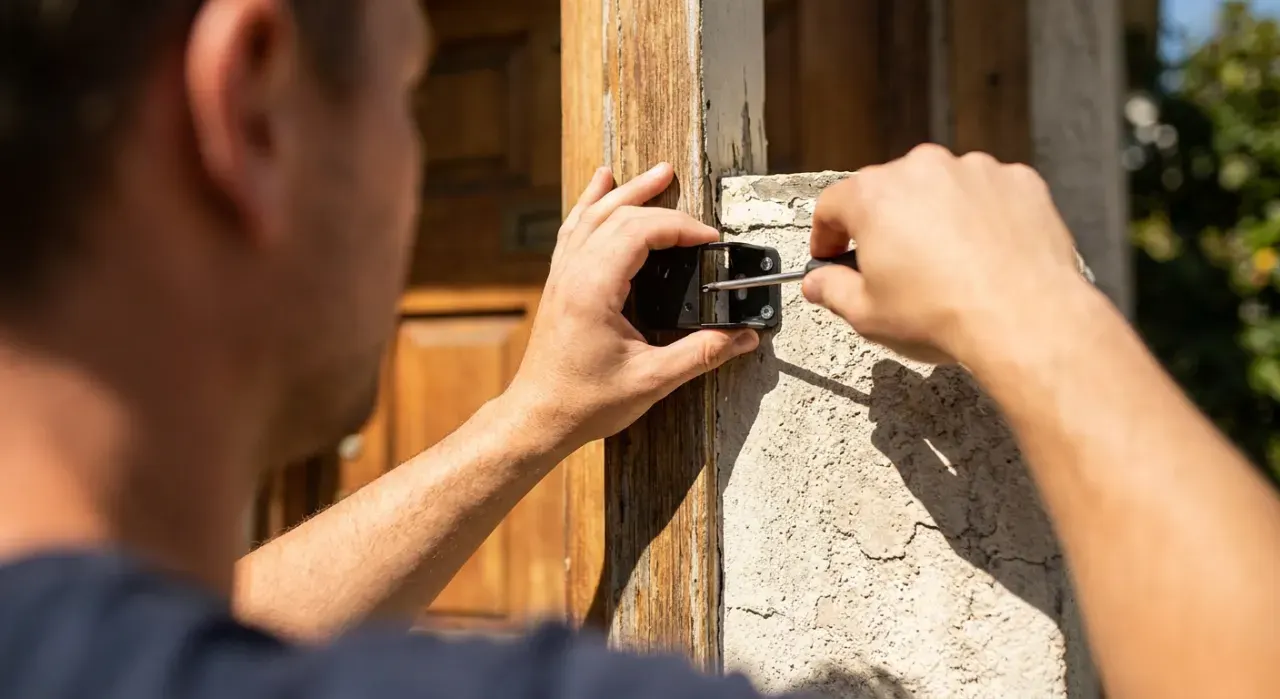
A wire-free camera survives for months on a couple of cells by sleeping almost all the time. Waking the sensor, acquiring Wi-Fi and starting to encode takes a moment — commonly one to three seconds depending on the model and the signal strength. That is enough for someone walking at normal pace to cross a significant part of the frame before recording starts, which is why so many battery camera clips begin with a person already halfway across the yard or a car already parked.
There are two mitigations and both are worth doing. Aim the camera so the approach crosses its field rather than coming straight at it, which gives the sensor more time. And where the model supports it, enable pre-roll or pre-buffer, which keeps a low-resolution rolling buffer so the clip starts a couple of seconds before the trigger. Pre-roll costs battery life, which is the trade.
A plug-in camera has none of this. It is awake continuously, so the recording starts when the motion does. That single difference is why a $35 plug-in camera often produces more useful footage than a $150 battery one.
Only one type records 24/7
The distinction between event recording and continuous recording matters more than people expect. Event recording captures a clip when something triggers detection. Continuous recording writes everything, all day, and lets you scrub back to any moment.
Event recording fails in the situations where you most want footage: a slow approach that never trips the sensor, damage discovered three days later with no idea when it happened, or a dispute about what time someone arrived. Continuous recording answers all of those, and only a wired system with a recorder does it comfortably — a Wi-Fi camera writing continuously to a microSD card can manage a day or two before it loops, while a PoE recorder with a couple of terabytes holds weeks across several cameras. Our guide to whether cameras record all the time covers what each brand actually does.

Wi-Fi is a shared road; Ethernet is a private lane
Every Wi-Fi camera on your network competes for airtime with every other device, and camera traffic is constant upstream video rather than the bursty downstream traffic home Wi-Fi is optimized for. Four cameras streaming 2K is a meaningful and sustained load, and in an apartment building — where dozens of routers crowd the same 2.4GHz channels — it is why live views take ten seconds to appear and notifications arrive late.
A PoE camera has its own cable and its own guaranteed bandwidth. It does not degrade when a neighbor starts streaming, it does not drop when the microwave runs, and its performance in January is identical to its performance in June. If you have found Wi-Fi cameras frustrating and concluded the cameras were bad, the network was probably the problem — the realistic distances are in how far a Wi-Fi camera can be from the router.
The privacy argument nobody makes for wired
A PoE system with a local recorder is the strongest privacy position available in home security, and it is almost never sold that way. Video travels down a cable to a box in your closet. No company holds it, there is no account for an attacker to credential-stuff, there is no subscription tier that can be changed underneath you, and there is nothing to leak. If your objection to cameras is that a corporation ends up holding footage of your home, this is the configuration that answers it completely.
That matters because the concern is not theoretical. In May 2023 the Federal Trade Commission announced a settlement requiring Ring to pay $5.8 million and to implement a comprehensive privacy and security program, over allegations that employees and contractors had accessed customers' private videos and that inadequate security allowed attackers to take over customer cameras through credential stuffing. Ring has since made two-factor authentication mandatory and added end-to-end encryption as an option. FTC press release on the Ring settlement. The general lesson is structural rather than about one company: cloud storage creates an exposure that local storage does not have.
The wireless equivalent, for people who cannot run cable, is a Wi-Fi camera that writes to a microSD card and is not dependent on a cloud account to record. That is most of the field now, and it is covered in can you use a security camera without a subscription.
One rule applies to all three types: audio is legally different from video. Recording a public street on video is generally permissible in the United States, but recording a conversation falls under wiretap law, and while federal law and most states allow it where one party consents, a significant minority require every party to consent. A camera covering a driveway or a shared entry can capture conversations between people who have agreed to nothing. The Reporters Committee for Freedom of the Press keeps a state-by-state guide. Every camera type here can have its microphone disabled — check your own state. This is general information, not legal advice.
What each actually costs
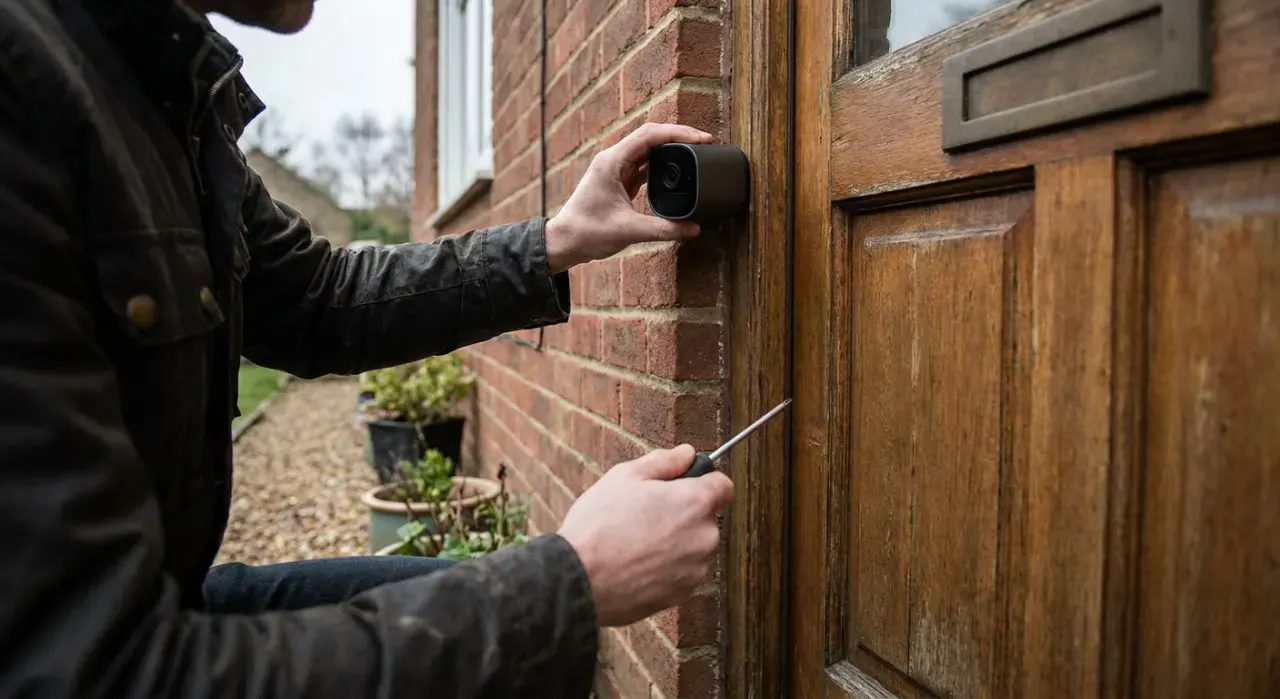
Wire-free looks cheapest and often is not, once the third camera and the base station and a couple of years of batteries are counted. Wired looks most expensive and can be the cheapest over a decade, because there is nothing to replace and nothing to subscribe to — the cost is concentrated in the install.
| Up front | Ongoing | Effort | |
|---|---|---|---|
| Wired PoE, 4 cameras | Highest — system plus cable and labor | None | A weekend, or a professional |
| Plug-in Wi-Fi, 4 cameras | Low | Cards, or a plan if cloud | An hour |
| Wire-free, 4 cameras | Moderate — cameras plus a hub | Batteries, or a plan | Half an hour |
How to choose in one paragraph
If you own the property, want continuous recording, and can get Ethernet to the camera positions, buy a PoE system — it is better in every technical respect and it keeps your footage in your building. If you cannot run cable but there is an outlet where the camera goes, buy a plug-in Wi-Fi camera with a microSD card; it gets you most of the reliability for a fraction of the effort. Reserve battery cameras for positions with genuinely no power — a gate, a shed, a fence line, a rented balcony — and accept the wake delay and the maintenance as the price of putting a camera where nothing else can go. Most households end up with a mix, and that is the right answer rather than a compromise.
One of each

Best for continuous 24/7 recording of a whole property with nothing leaving the building
- Four 5MP cameras, each carrying power and data on one Ethernet cable
- 2TB recorder included — weeks of continuous footage
- No subscription, no cloud, no internet required to record
- Fixed bandwidth per camera, unaffected by Wi-Fi congestion
Why buy it: the only configuration that records genuinely continuously and keeps every frame inside your own building — which is both the reliability argument and the privacy one.

Best for indoor coverage where there is an outlet but no appetite for running cable
- Mains powered, so no battery management and no sleep lag
- Wi-Fi for data only — the power problem is already solved
- Records 2K to a microSD card with no subscription
- 360-degree pan and tilt from one position
Why buy it: the format most people actually want and rarely ask for by name: constant power, no cable run, no battery, and none of the wake-up delay that makes battery cameras miss the start of an event.

Best for a spot with no power at all — a shed, a gate, a fence line or a rented balcony
- Runs on two AA lithium cells for up to two years of light use
- Mounts anywhere with no wiring and no electrician
- Local storage through a Sync Module, or a cloud plan
- Weather resistant for outdoor mounting
Why buy it: genuinely wire-free, which is the only reason to accept the trade-offs that come with it — event-only recording, a short wake delay, and a battery that empties faster the busier the scene is.
We never buy, install or physically handle the products we compare. Every judgement here is drawn from aggregated owner reviews, star ratings, review volume and published specifications — see how we rank.
More from this hub: Smart Home & Security · Wired vs wireless home security cameras · Best PoE camera systems · Best solar security cameras · How much data do cameras use? · How we rank