 Garden

Affiliate Disclosure
Some links on this page are affiliate links. As an Amazon Associate, we earn from qualifying purchases — at no extra cost to you. We do not buy, test, or physically handle the products we cover; our rankings come from aggregated owner reviews, ratings and expert consensus. Commissions never change our verdicts. How we rank · full disclosure.
A Wi-Fi camera needs a network for three things: initial setup, phone alerts and remote viewing. It does not necessarily need one to record. Cameras with a microSD card or a local base station keep recording through an outage and hold the footage until they reconnect; cloud-only cameras stop entirely. And plenty of cameras never touch Wi-Fi at all — PoE cameras run on Ethernet, cellular cameras use a SIM, and analog cameras use coaxial cable. So the honest answer is: Wi-Fi cameras need Wi-Fi, but you do not need a Wi-Fi camera.
Which functions actually need the network?
Splitting the camera’s jobs apart makes the decision easy. Recording and detection happen on the device. Everything that involves your phone happens over the network.
| Function | Needs Wi-Fi? | Notes |
|---|---|---|
| Initial setup and pairing | Yes | Almost universally, even on local-storage cameras |
| Recording to a microSD card | No | Continues through an outage |
| Recording to the cloud | Yes | Stops dead without a connection |
| Motion detection on the device | No | On-device AI keeps working |
| Push alerts to your phone | Yes | The first thing you lose |
| Live view from outside the house | Yes | Needs internet, not just Wi-Fi |
| Live view on the same network | Wi-Fi yes, internet sometimes no | Varies by brand — some still phone home |
| Firmware updates | Yes | Skipping these is a real security risk |
The row worth pausing on is local viewing. Some cameras will show you a live feed from a phone on the same Wi-Fi network with the internet down; others insist on a round trip through the manufacturer’s servers even when the phone is ten feet from the camera. That is a design decision, not a technical necessity, and it is worth checking before buying if outage behavior matters to you.
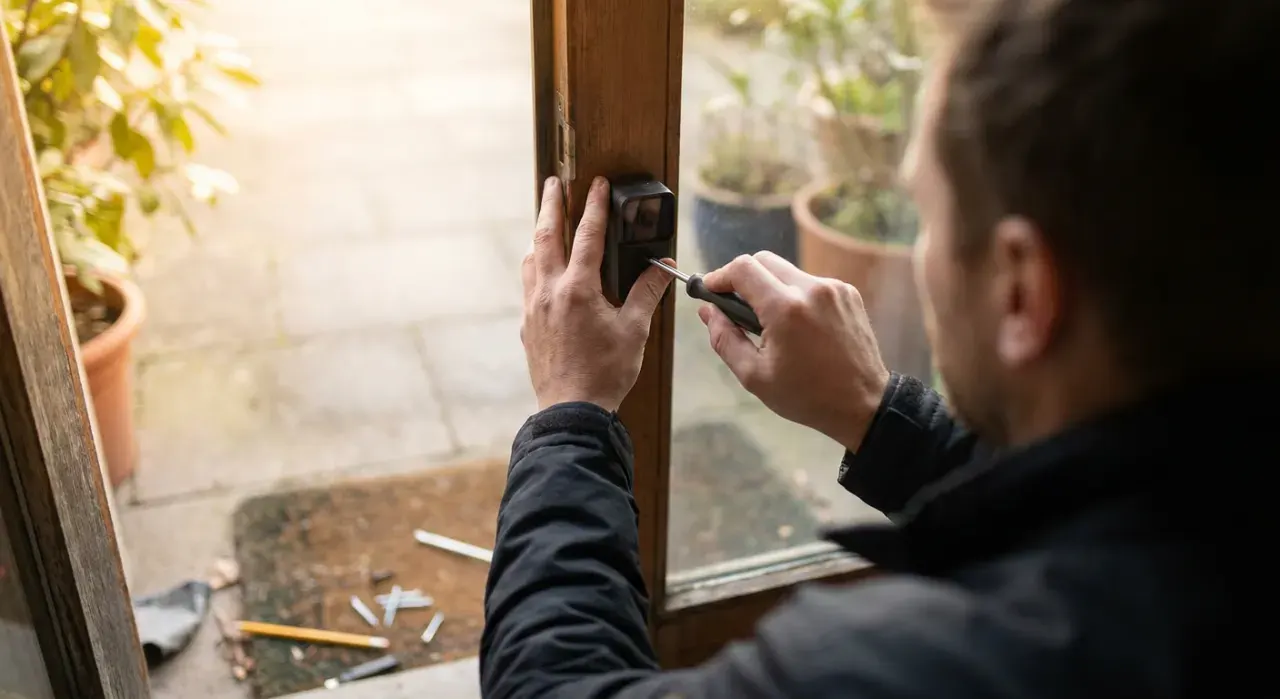
How much bandwidth does a camera actually use?
Upload is the constraint, and it is the number American broadband plans are weakest on. A cable plan sold as 300 Mbps down commonly provides 10 to 35 Mbps up, and that upload budget is shared with everything else in the house.
| Camera | Upload while streaming | 4 cameras at once |
|---|---|---|
| 1080p, H.264 | ~2 Mbps | ~8 Mbps |
| 2K / 3MP, H.265 | ~3–4 Mbps | ~12–16 Mbps |
| 4K / 8MP, H.265 | ~6–8 Mbps | ~24–32 Mbps |
| Event clips only, 1080p | Bursts of ~2 Mbps | Negligible average |
Two practical conclusions. First, event-triggered clips are far kinder to a connection than continuous cloud streaming, which is why most battery cameras work that way. Second, if you want continuous recording on several high-resolution cameras, do it locally: a PoE camera system with an NVR keeps all that traffic on your own switch and uses none of your upload at all.
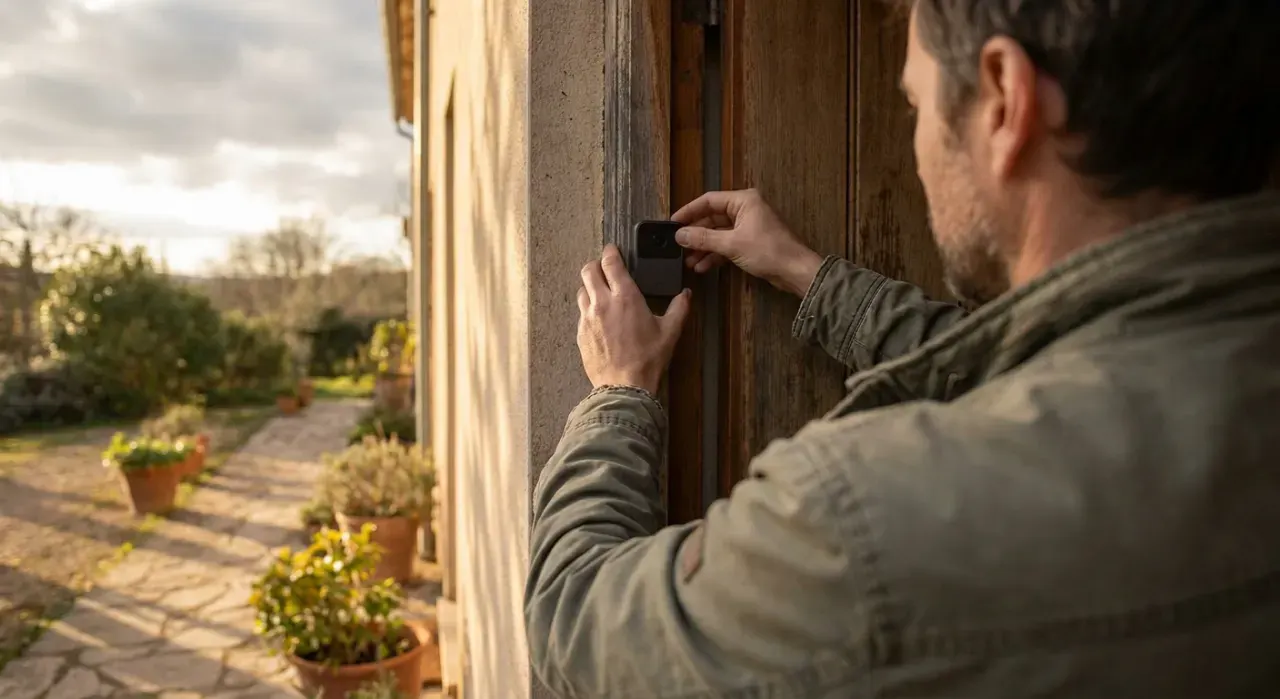
Why do cameras insist on 2.4 GHz?
Because range beats speed for this job. The 2.4 GHz band travels further and passes through exterior walls, brick and siding far better than 5 GHz, which is exactly what a camera on the far corner of a house needs. Video compresses well enough that the lower throughput is rarely the limiting factor.
The side effect causes most setup failures. If your router publishes both bands under one network name, the phone may be on 5 GHz while the camera can only see 2.4 GHz, and pairing fails with an unhelpful error. The reliable fix is to split the bands into separate network names temporarily, join the camera to the 2.4 GHz network, and then recombine if you prefer. If a camera joins and then drops repeatedly, our guide to why a Wi-Fi camera keeps disconnecting works through the causes in order, and how far a Wi-Fi camera can be from the router covers range.
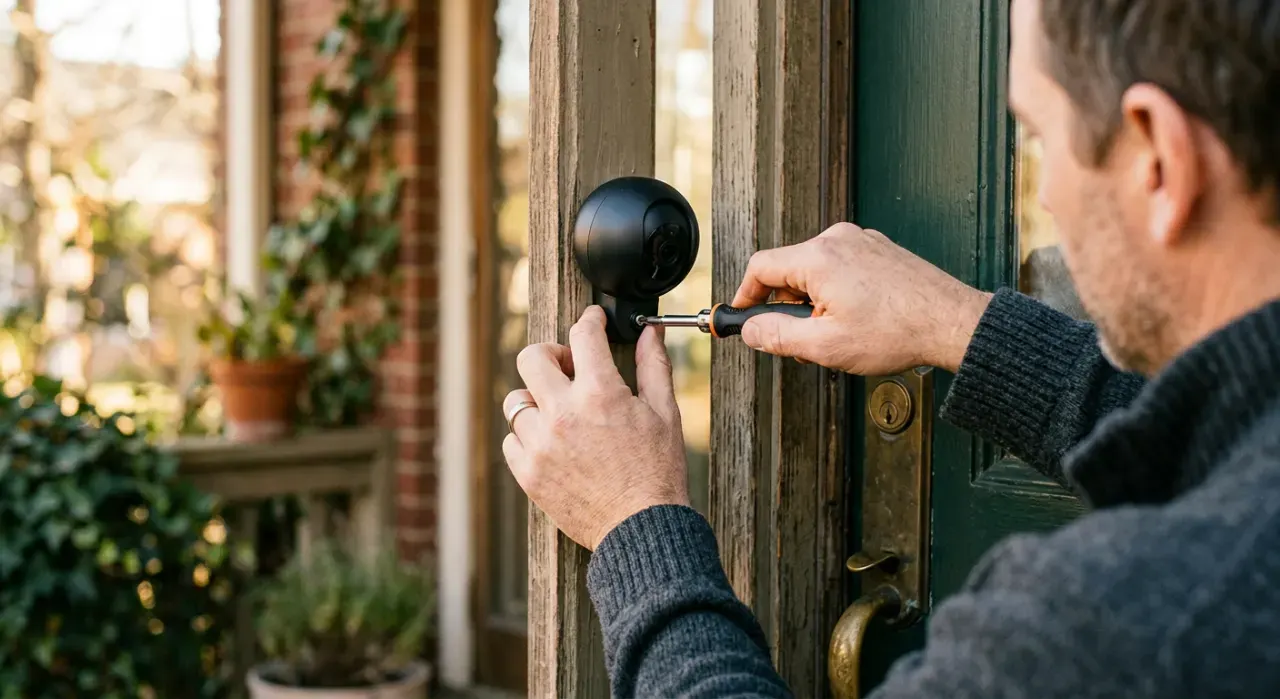
What if there is no Wi-Fi at all?
Then buy a camera that was never designed to need it. A PoE camera takes power and data over one Ethernet cable to a recorder, and the whole system runs with the internet unplugged. A cellular LTE camera carries its own SIM for a barn, gate or job site. An analog camera feeds a DVR over coax. A trail camera just writes to an SD card. All four are covered in detail in do security cameras work without Wi-Fi, including what each setup costs.
One caution on the hotspot workaround. Pairing a camera through a phone hotspot for setup is fine and common. Running a camera permanently on a hotspot is not: continuous streaming will consume hundreds of gigabytes a month and most plans throttle or bill for it heavily.
Choosing with this in mind
If the mounting spot has decent Wi-Fi and power, a standard Wi-Fi camera is the simplest answer, and our outdoor camera picks flag which models take a microSD card so you are not dependent on the cloud. If the spot is at the edge of coverage, fix the network first with a Wi-Fi extender or mesh node rather than blaming the camera. And if you are planning four or more cameras, price a wired system before adding more radios — it will be more reliable and it will not touch your upload.
We never buy, install or physically handle the products we rank. Every recommendation is drawn from aggregated owner reviews, star ratings, review volume and published expert consensus — see how we rank.
More from this hub: Smart Home & Security · Cameras without Wi-Fi · Best security cameras · How many cameras do I need? · Cameras without a subscription · How we rank